
General contractors
Keep trade work moving and project follow-up connected.
Coordinate your specialty contractors, site teams and safety managers, from scheduled work and equipment checks to permits, company documents and corrective actions. Field teams see their responsibilities, while your office can review progress and outstanding records across your projects.
Request a demo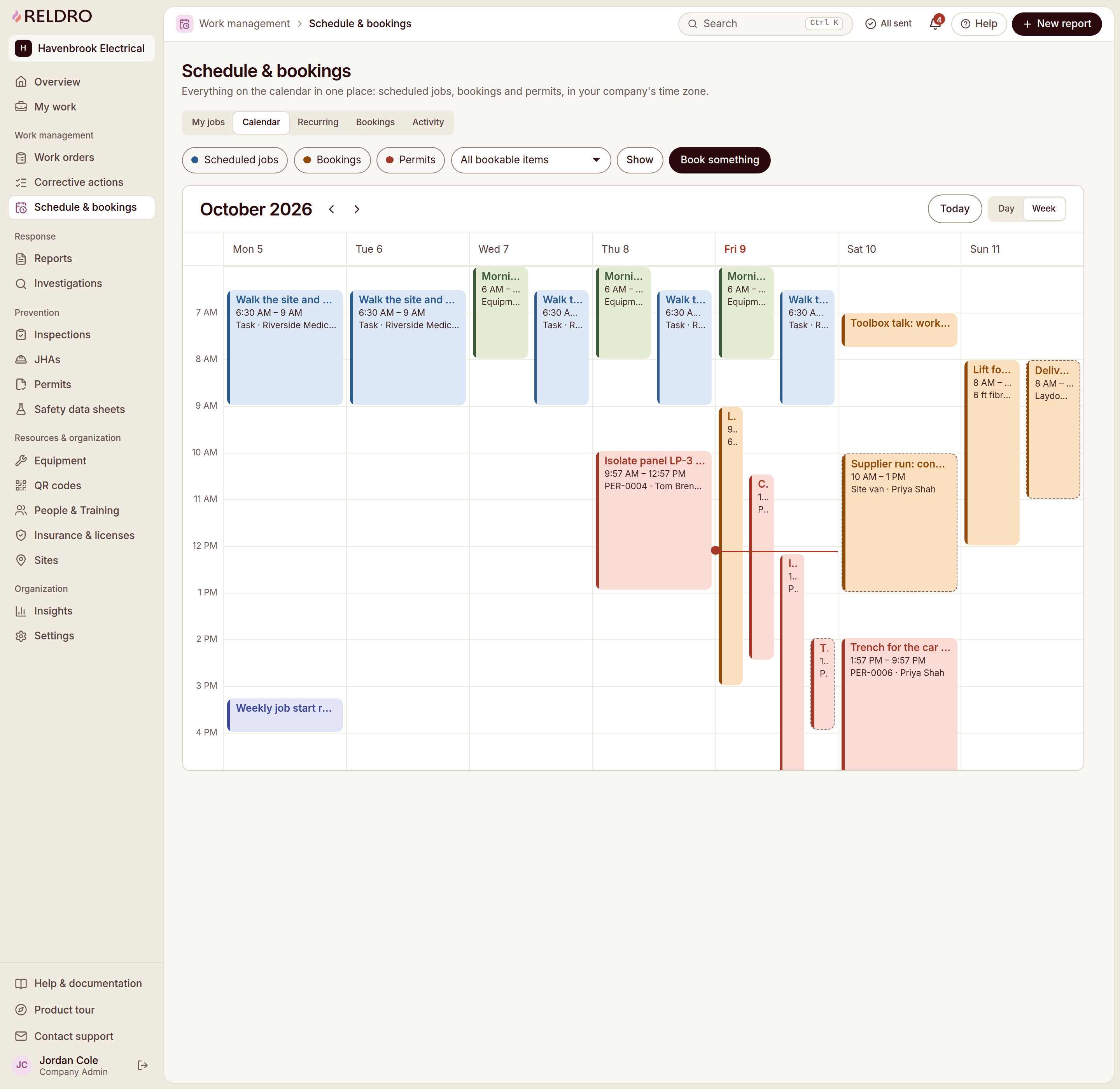
What you coordinate
Keep trade coordination and project records in step.
Coordinate overlapping trades
Keep scheduled work and assignments tied to each site and work area. Give your trade leads instructions, photos and due dates so they can coordinate the work they share.
Review contractor readiness
Request insurance certificates, licenses and method statements through private company links. Review missing or expiring documents and keep broker uploads in your review queue.
See who is on site
Use QR or gate-code check-ins to review arrivals and the live headcount against expected crews. Follow up on missing check-ins without losing sight of the day’s planned work.
Keep pre-task records connected
Review JHAs, signatures, permit records and inspection findings with the work they support. Your safety manager and trade leads can follow the same supporting records.
Give each finding a next step
Keep reported concerns, photos and locations together. Assign a responsible person and due date, track completion evidence and review the fix before closing the action.
Review progress across projects
See recorded site activity, inspection completion and overdue actions across active sites. Open the underlying records when a project discussion needs more context.
How it works
Connect the daily plan and project follow-through.
- 1
Prepare the work
Review scheduled activities, contractor documents, equipment bookings and the task plans needed for each work area.
- 2
Coordinate the day
Review crew check-ins and assign work with clear instructions, a responsible person and a due date.
- 3
Respond to field updates
Review photos, inspection findings and reported concerns with your site and safety leads, then assign the next step.
- 4
Review and carry forward
Check completion evidence, follow up on overdue actions and keep the day’s records available for the next project review.

Relevant features
Relevant workflows for general contractors.
Site operations
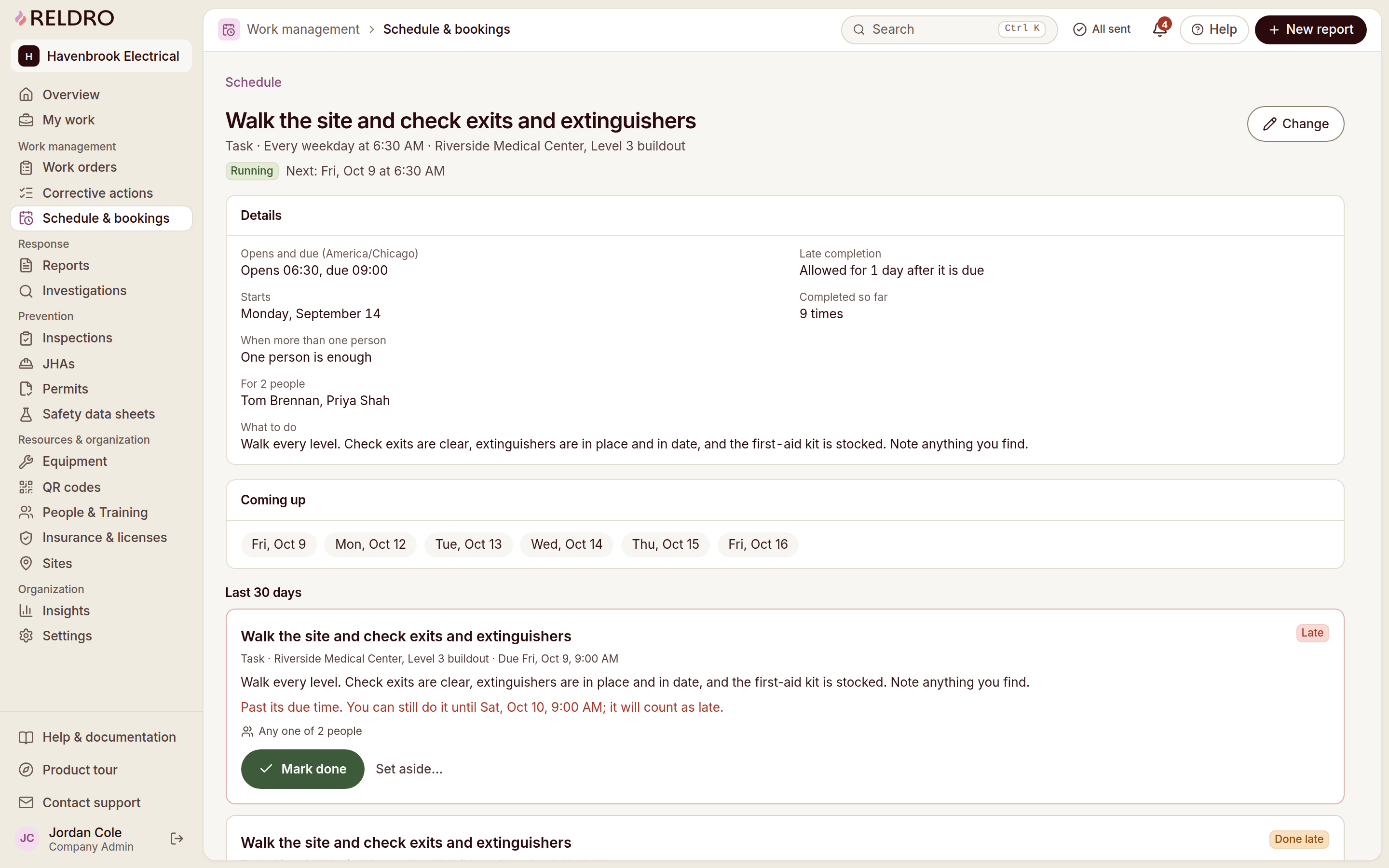
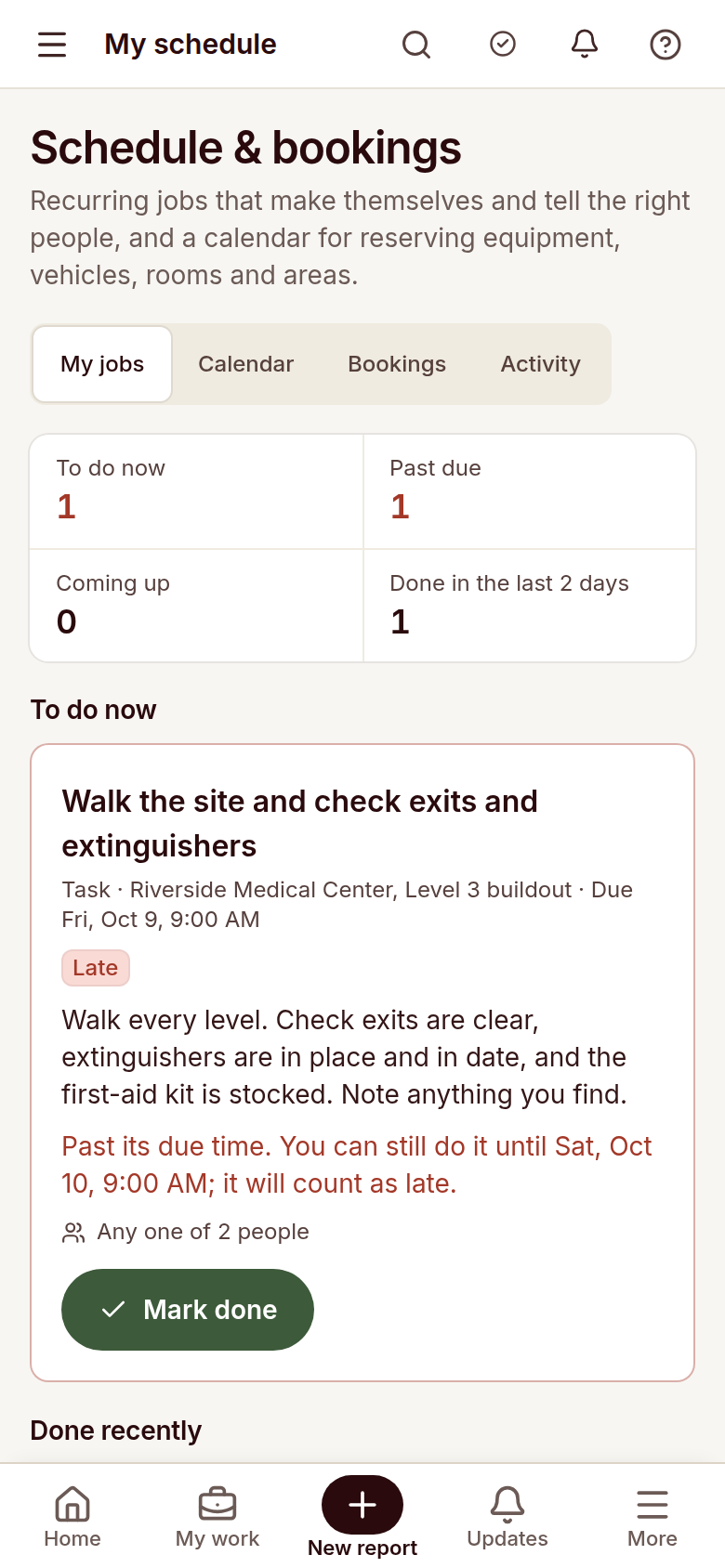
See the week in your company time zone: scheduled jobs, recurring checks, permits and bookings for shared equipment, vehicles or work areas. Crews open the jobs due to them, and late or missed runs are flagged.
Contractor management
Track insurance, licenses, and method statements for your company and contractors, with clear visibility into what’s current, expiring, or missing.
Site check-in and headcount
Crews and visitors check in with a QR code or gate code, giving the office a live view of who’s on site, who’s missing, and who has arrived.
Interactive site plans
View and mark up drawings on any device, track revisions, capture as-builts, and submit digital forms for reports, inspections, and RFIs.
Permits to work
Request a permit with the location, timing, people, precautions and linked JHA in view, and let approvers sign it. The board shows what is approved, active or waiting, and close-out stays on the record.
Job hazard analysis
Break the job into steps, name what could go wrong and the controls to use, then publish it to the crews who need it. Workers sign the current version on their phone, and a new wording means fresh signatures before work starts.
Inspections
Run your trade’s checklist on the phone and record pass, fail or not applicable with notes and photos. A failed item can start the corrective action with its evidence and location already carried across.
Corrective actions / CAPA
Turn a report, an inspection finding or a failed equipment check into an action with an owner and a due date. Progress, photos and the final review stay on the record, so nothing closes on a verbal.
Equipment and assets
Keep your register, QR labels, pre-use checks and service dates in one place. A scan opens the item’s status before anyone uses it, and a failed check tags it out until someone records the return to service.
Insights
Compare response times, overdue actions, inspection completion and certifications across sites, then open the records behind any number. The measure tells you where to look, and people decide what it means.
Procore Data Import
Upload the project list and company directory you exported from Procore, read the rows back and resolve duplicates before anything is created. Sites and contractors land within your contracted capacity. It is a file import, not a live connection.
Questions
Questions from general contractors.
- How can I coordinate multiple specialty contractors?
- You can keep scheduled work, assignments, company records and follow-up tied to each site. Trade leads and your site team can review the instructions and responsibilities for the work they share.
- Can contractors send documents without creating an account?
- Private company links let contractors see requested documents and expiration statuses and upload certificates without an account. They can also ask their insurance broker to upload directly into your review queue.
- Can our operations and safety teams use the same records?
- Your teams can review scheduled work, equipment checks, permits, JHAs, inspection findings and assigned actions together. People still own the reviews and decisions.
- Can I follow outstanding work across several projects?
- You can review outstanding actions and inspection completion across active sites, then open individual records to check the responsible person, due date and supporting evidence.
- Can I bring in our existing Procore project and company lists?
- You can upload exported Procore Portfolio and company directory files and review them before adding records. This is a file-based import, not a live connection or ongoing sync, and imported active sites stay within your contracted capacity.
- How does pricing work for a general contractor?
- You get one plan with unlimited users, priced by active sites. Contractor and broker participation is free. Request a demo to discuss your projects and rollout.