
Inspections
Record inspection findings and assign corrective work
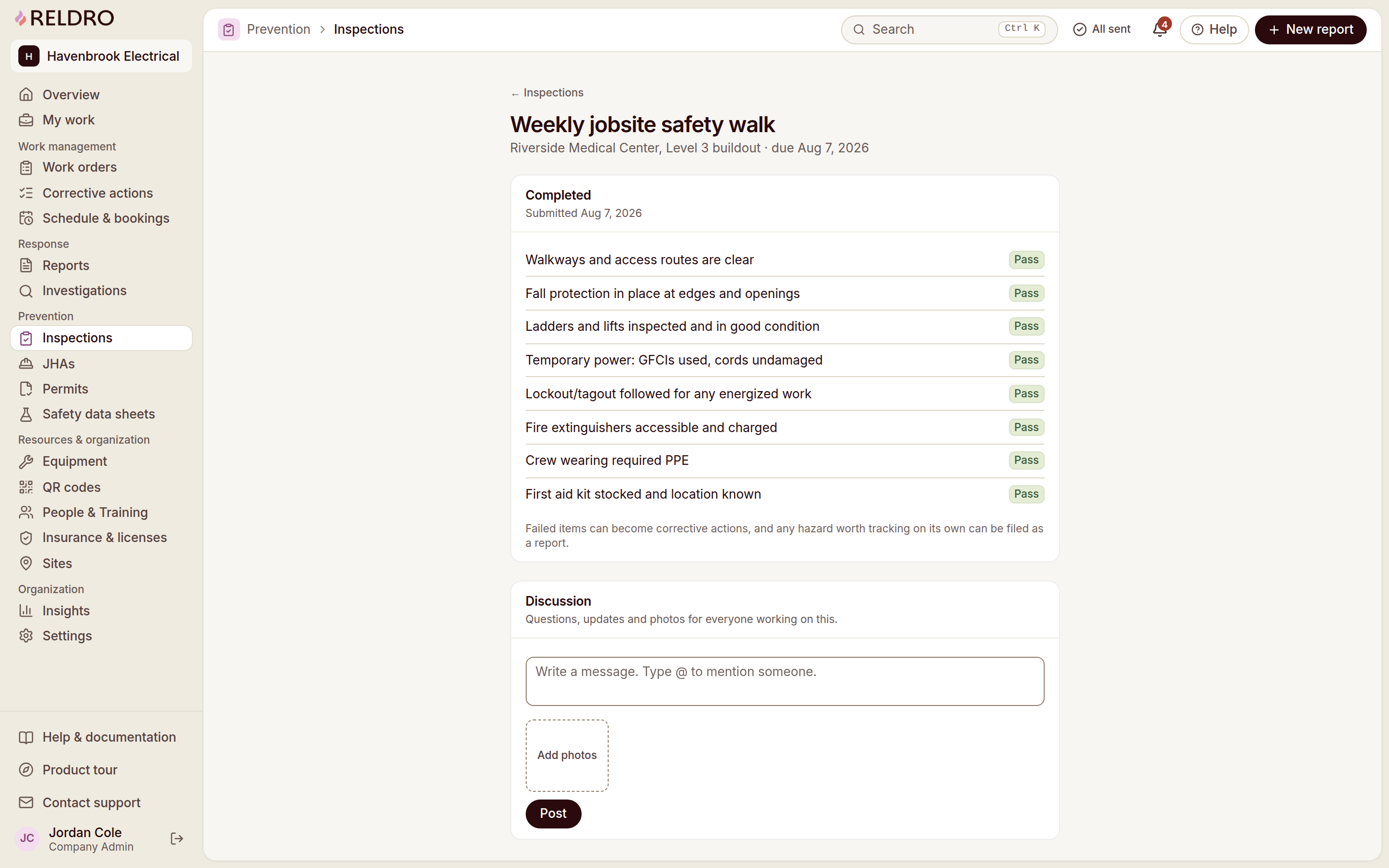
Run your trade’s checklist on the phone and record pass, fail or not applicable with notes and photos. A failed item can start the corrective action with its evidence and location already carried across.
14 days free. No credit card required.
The workflow
Inspections, connected to your teams
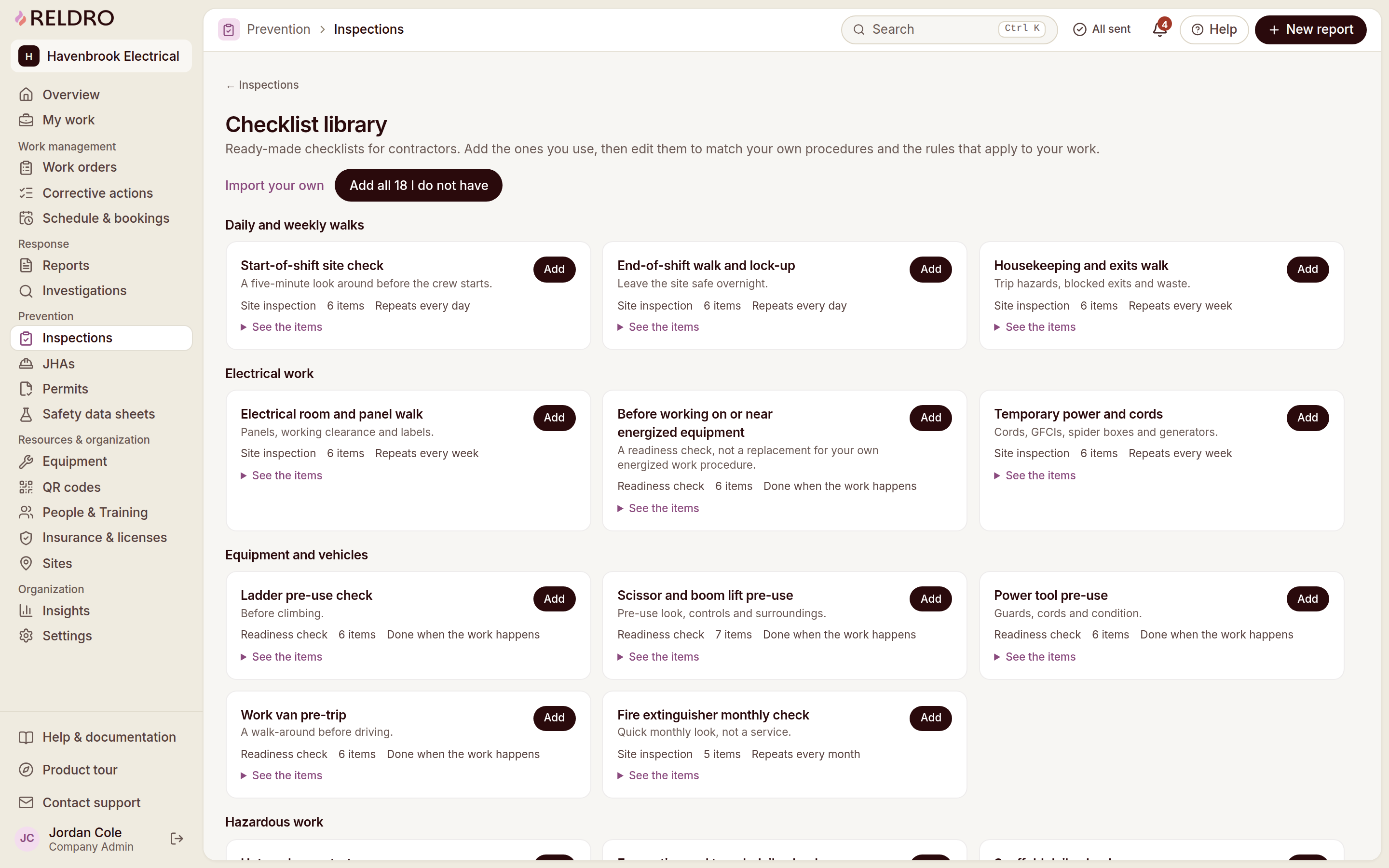
Organize site inspections
Keep inspection records tied to the site where the work happens.
Record check results
Record each item as pass, fail or not applicable, with notes and photos.
Assign finding owners
Turn a failed item into a corrective action with an owner.
Review previous inspections
Keep earlier inspections available for review and planning.
Plan & Prevent
Keep the next step connected
Job hazard analysis
Break the job into steps, name what could go wrong and the controls to use, then publish it to the teams who need it. Workers sign the current version on their phone, and a new wording means fresh signatures before work starts.
Permits to work
Request a permit with the location, timing, people, precautions and linked JHA in view, and let approvers sign it. The board shows what is approved, active or waiting, and close-out stays on the record.
Chemical safety / SDS
Keep approved safety data sheets for the products your teams actually use, with hazards, first aid, protective equipment and storage in one record. QR signs give workers the approved sheet on site, and versions and review dates stay with the product.
Interactive site plans
View and mark up drawings on any device, track revisions, capture as-builts, and submit digital forms for reports, inspections, and RFIs.