
Work orders
Keep assigned work and safety follow-up connected.
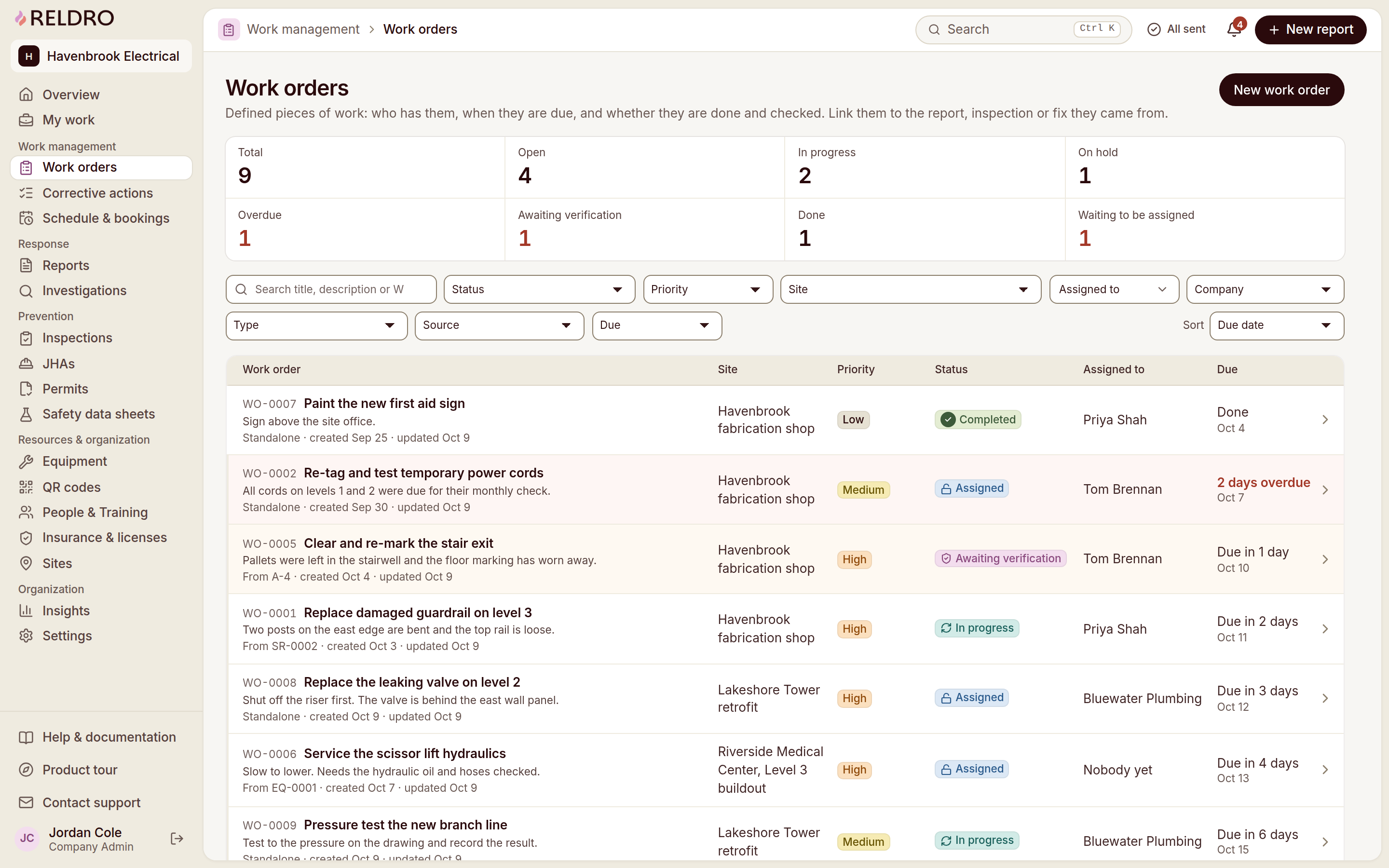
Assign a repair, task or inspection follow-up to a crew, a named person or a subcontractor you hire, with instructions, a due date and the original issue attached. Crews see what is theirs today, and your office sees what is open, overdue or ready to review.
The workflow
Track assigned work and review completed fixes.
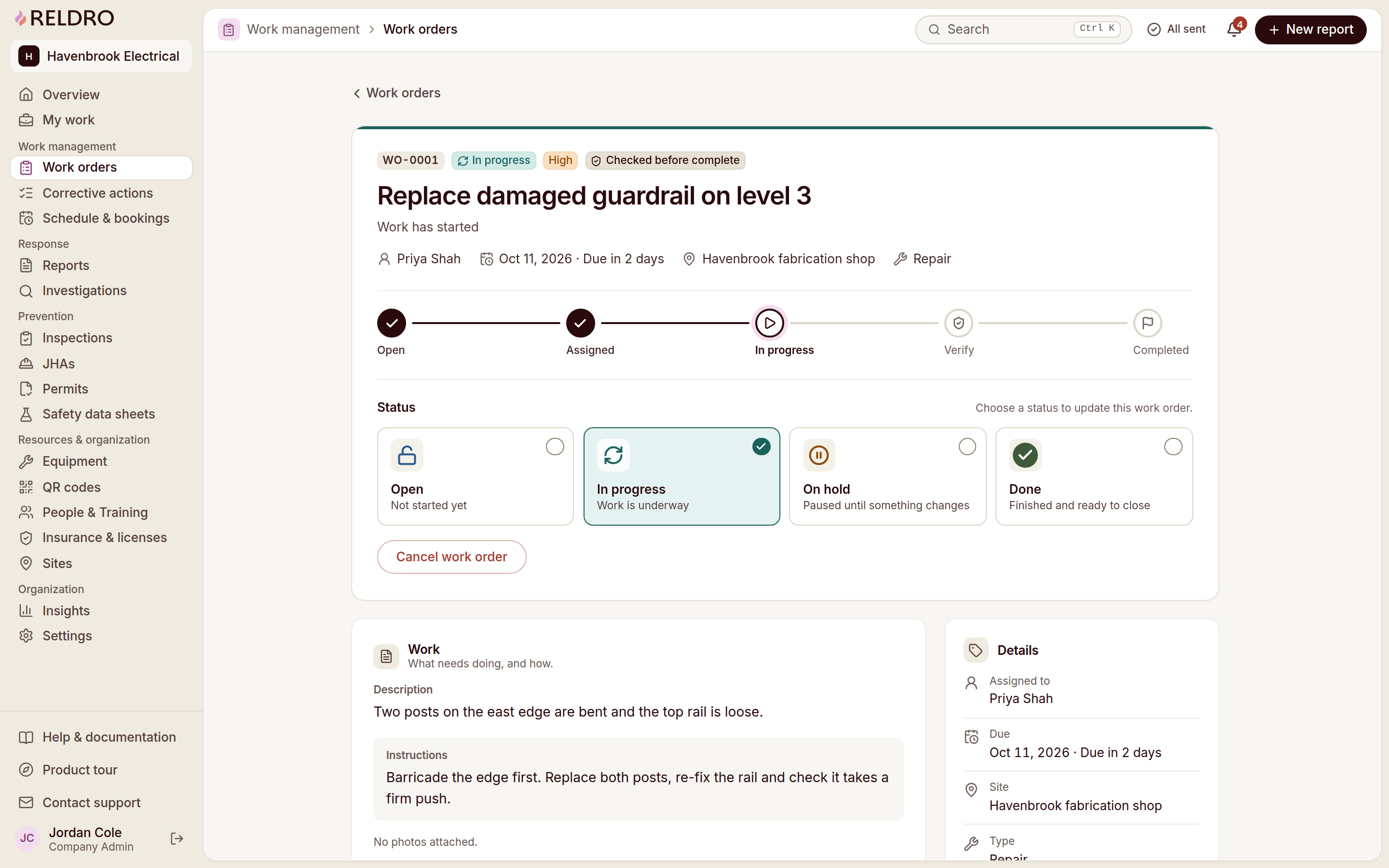
Each job moves from assignment to review in the open. Your crew knows what to complete, and your office knows what is waiting on someone before anyone has to ask.
Create a job
Choose a template for a repeat job, or start from a report, failed inspection, corrective action or equipment record. Linked details carry into the job, with a warning when an open work order already exists for the source.
Assign an owner
Assign a person, crew or outside company. Add instructions, priority, location and a due date so the assignee knows what to do and when it is needed.
Review completed work
Track open, assigned, in-progress and verification stages. Outside-company work returns for checking, with completion notes and the activity timeline retained.
Work order templates
Plan repeat work and keep checks consistent.
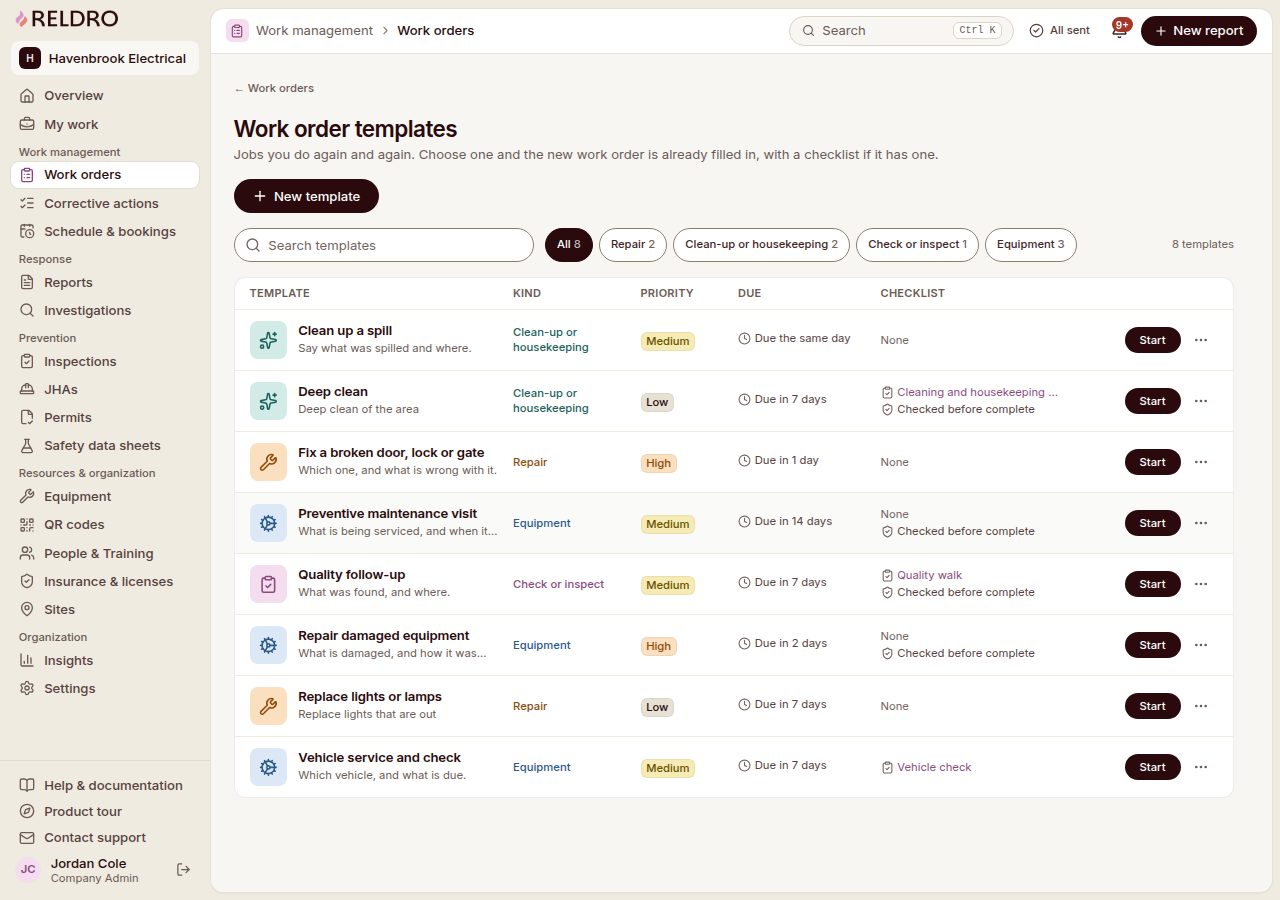
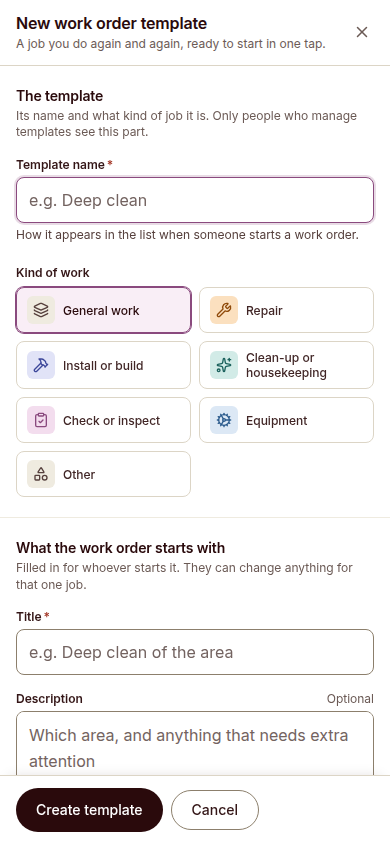
Save a template for the jobs your crews do regularly, from equipment maintenance and repairs to clean-up and inspection follow-ups. Choose one when a work order starts and the job details and any checklist are already filled in.
Keep the starting details ready
Set the kind of work, title, instructions, priority and due timing in the template instead of writing them again for every job.
Bring the checklist with the job
Include a checklist for work that needs repeatable checks, so each new work order starts with the same steps.
Adjust it for the assignment
Use the template as your starting point. The person creating the work order can change the details for that individual job.
Where work orders fit
Keep reported issues and assigned fixes together.
Work orders rarely stand alone. Keep the work tied to the concern, inspection or finding behind it, so the context travels with the job and responsibility stays clear.
Turn site reports into assigned work
Assign follow-up for a concern your crews report, with its photos and location attached.
Turn inspection findings into accountable tasks
Give each inspection finding an owner and due date so your crews know who handles the next step.
Track corrective actions and review the fix
Keep the fix and its verification in the same record as the work they belong to.
Keep equipment issues tied to site work
Keep the equipment or the work area part of the record, so the job stays tied to where it happens.
Visibility
See task ownership and review job progress.
Open work should not live in an inbox or a spreadsheet. Owners, due dates, progress and completion notes sit in one place, so nobody rebuilds the background from messages.
- See who owns each task and when it is due
- Track overdue tasks alongside current work
- Keep photos and completion notes with each job
- Review completed work before closing the record
Across teams and sites
Keep crew assignments and site handovers connected.
When work is documented the same way everywhere, your crews, foremen and hired subcontractors can hand a job over with the details still attached.
One record per job
Work documented the same way on every site is easier to hand over, review and build on.
Coordinate subcontractors you hire
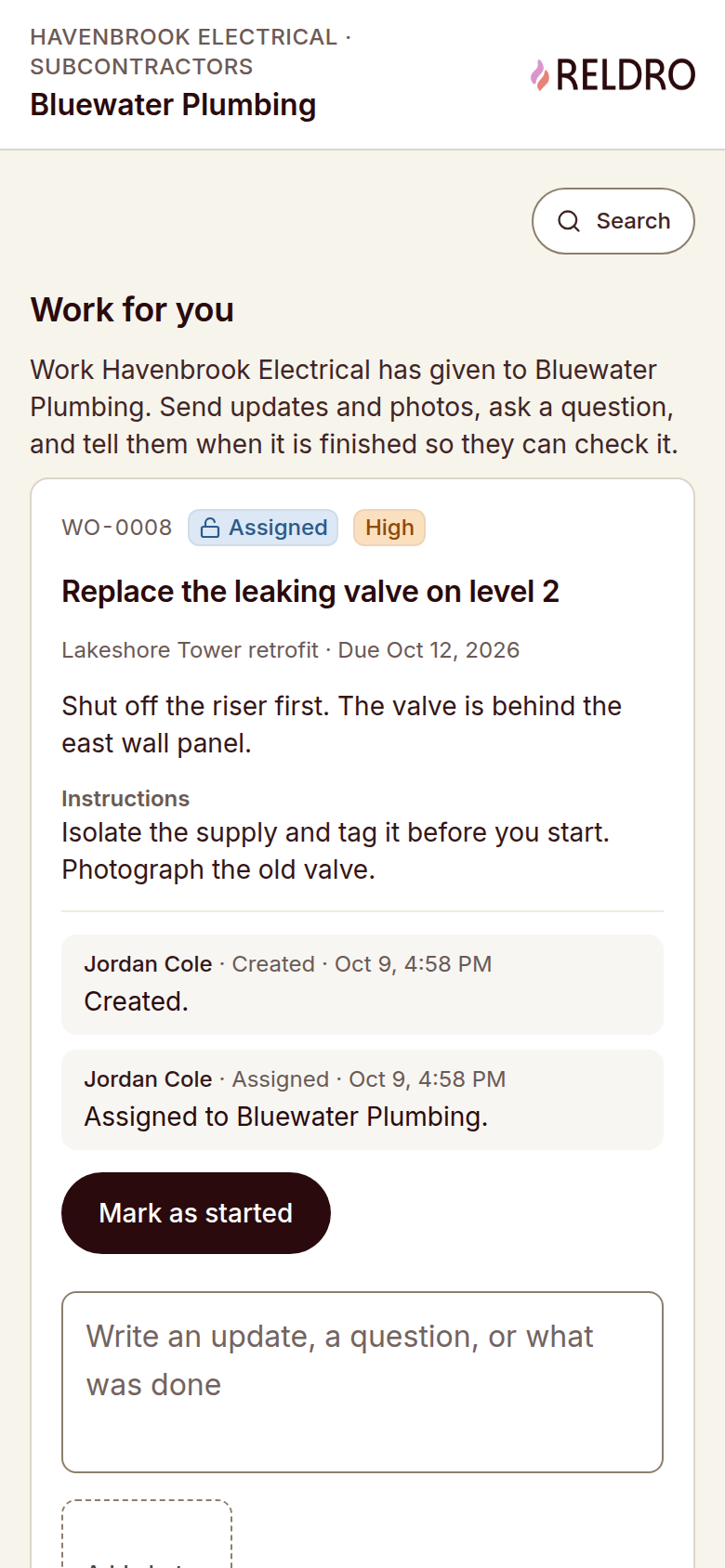
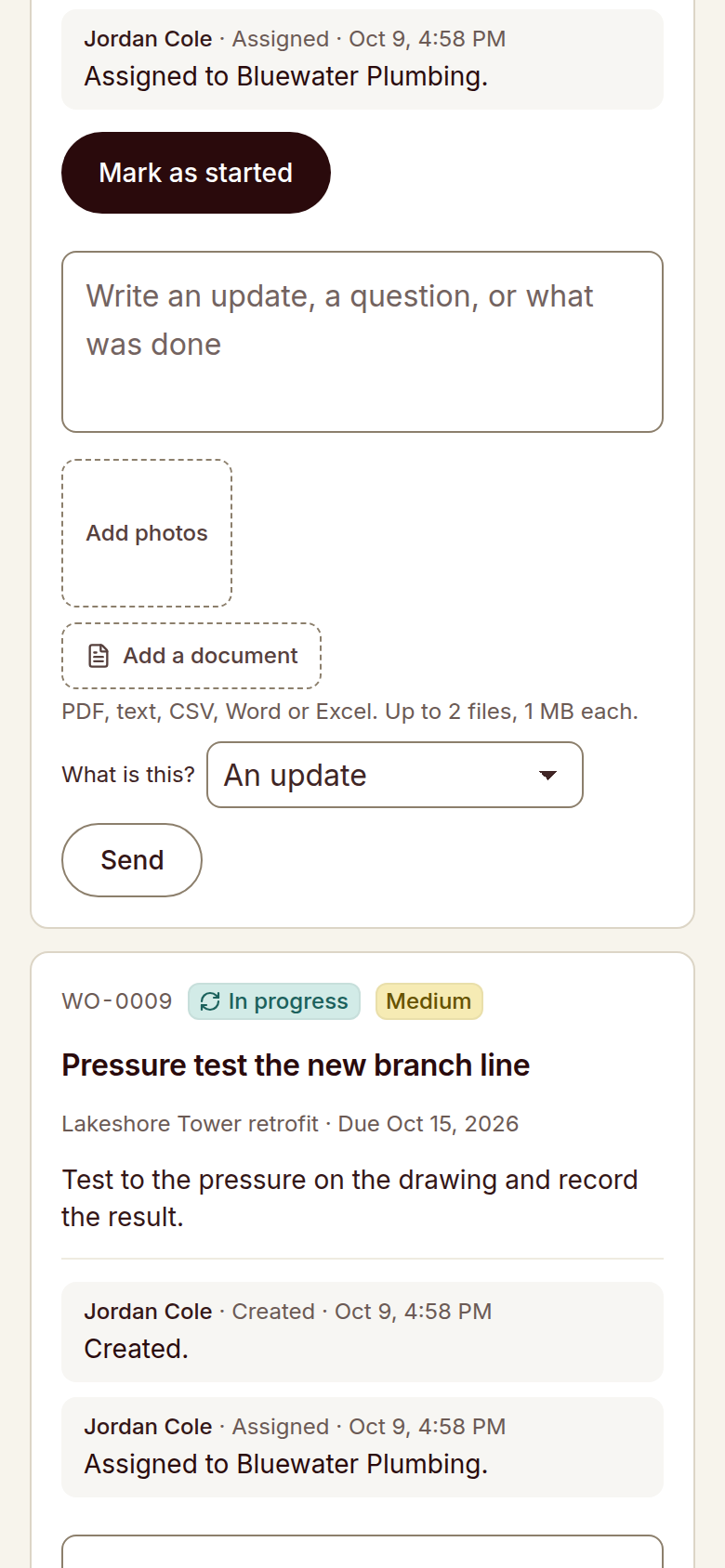
Outside companies open a private company link without an account. They can start the job, send updates and photos, ask questions and submit finished work for checking.
Built for your trade crews
Use the same workflow for electrical, mechanical, plumbing, fire protection, roofing and concrete jobs across your active sites.
Keep field work moving and fixes visible.
See how you can assign jobs to your crews, track safety follow-up and keep completed work visible to your office and safety manager.
Request a demo