
PROCORE DATA IMPORT
Review imported files and confirm site records.
Upload the project list and company directory you exported from Procore, read the rows back and resolve duplicates before anything is created. Sites and subcontractors land within your contracted capacity. It is a file import, not a live connection.
Request a demo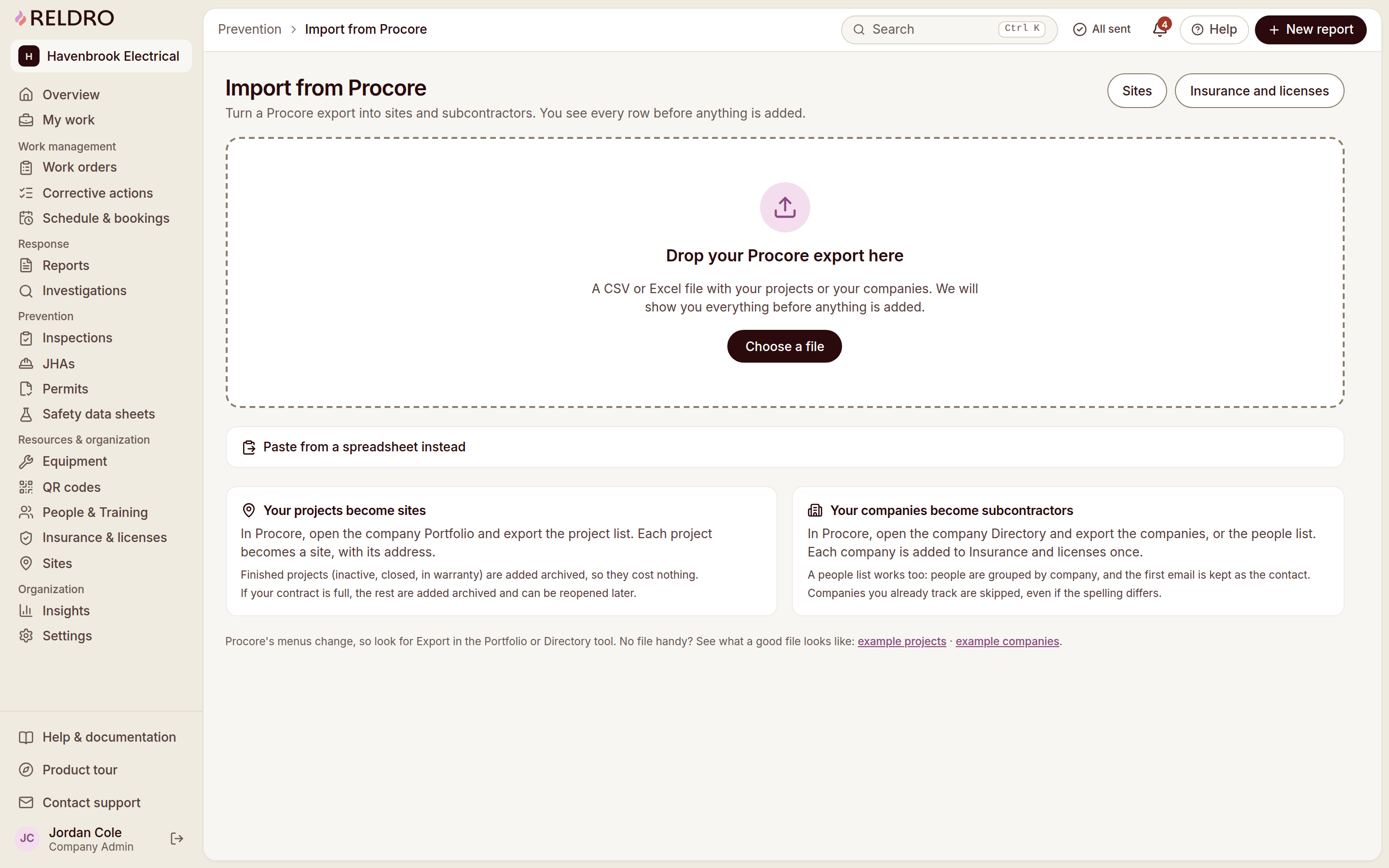


The workflow
Procore Data Import, connected to your crews.
Upload Procore exports
Upload the project lists and company directories you exported from Procore.
Review file imports
No API keys or developer approvals, and no ongoing sync is created.
Resolve duplicate rows
Preview the mapped rows and resolve duplicates before anything is created.
Allocate active sites
Set active and archived site allocations within your contracted capacity.
Connect & Improve
Keep the next step connected.
Offline and sync
Pages already saved stay readable without signal, and crews can still file reports, checks, task completions and JHA signatures. Finished work sits in an outbox and sends with its original completion time once the connection returns.
Insights
Compare response times, overdue actions, inspection completion and certifications across sites, then open the records behind any number. The measure tells you where to look, and people decide what it means.
Practical AI assistance
Draft report wording, an investigation summary, a toolbox talk outline or a checklist from material you already have. You read and edit it before it goes anywhere. AI prepares drafts, and people own findings, follow-up and decisions.