
Civil & infrastructure
Track civil work fronts and equipment checks together.
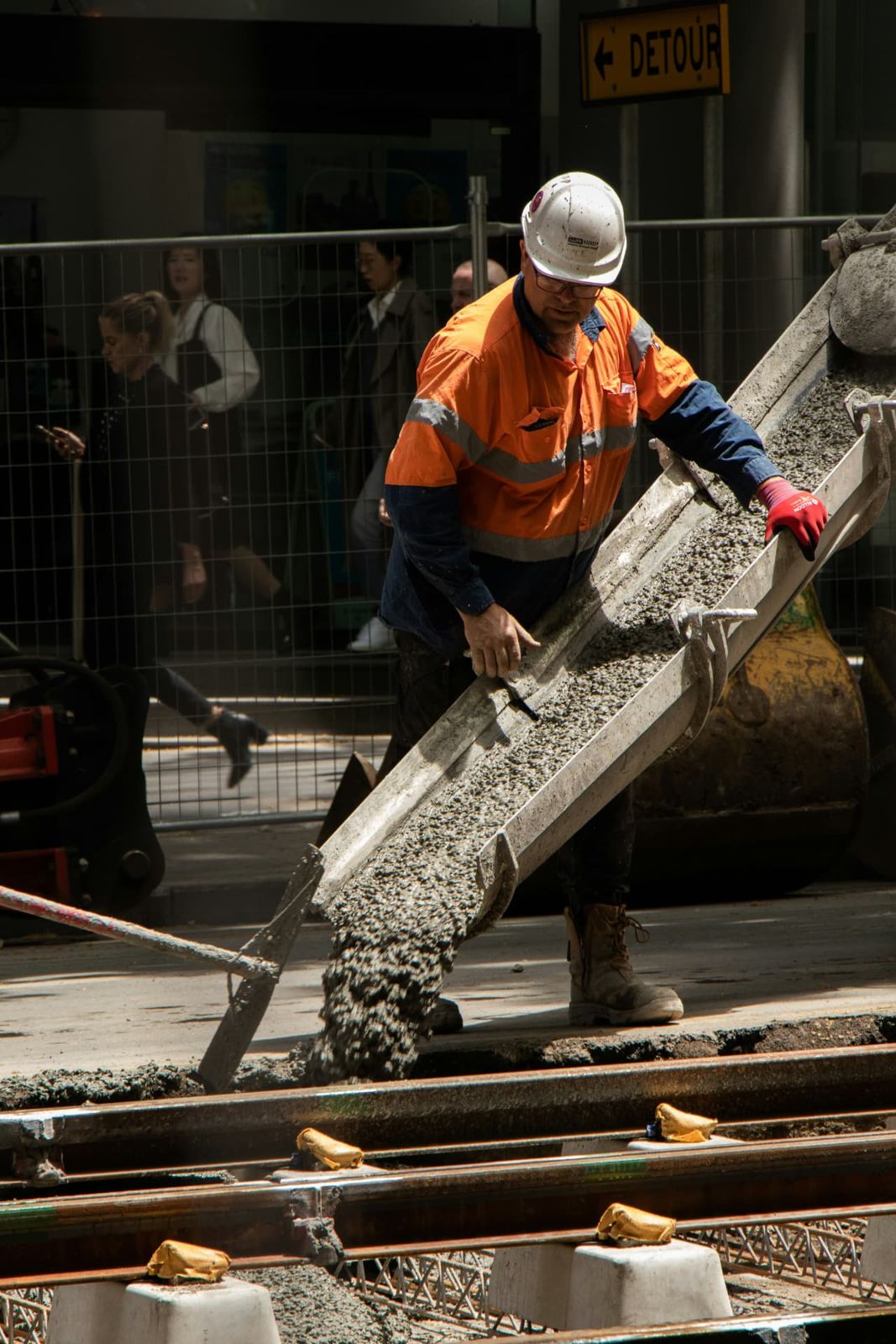
Work fronts spread across excavations, structures and corridors. Each concern names its section or chainage, equipment keeps its check history, and crews in low-signal locations can still file work that syncs later.
Request a demo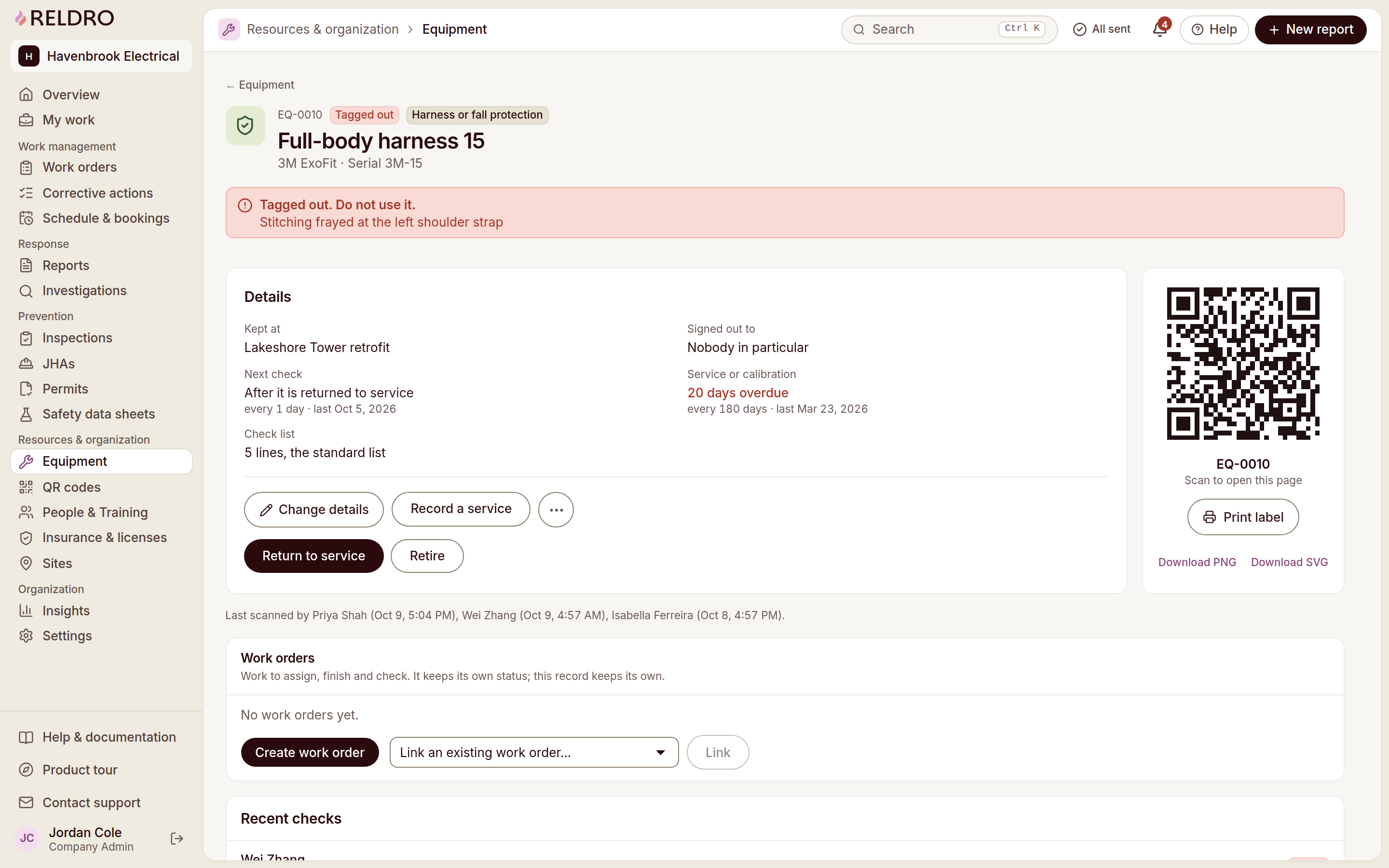
What your crews need
Keep your crews, paperwork and follow-up connected.
Dispersed work fronts
Record your section, chainage or work area with each concern.
Plant and crew interfaces
Share your equipment checks and planned crew activities with the GC.
Low-signal locations
Save your reports on the device and check delivery when a connection returns.
Relevant features
Relevant workflows for civil & infrastructure.
Field reports and issue tracking
Anyone on the crew can raise what they see from a phone, with the location, notes and photos attached. Your safety manager works the queue by seriousness and site, then puts the next step on a named person.
Offline and sync
Pages already saved stay readable without signal, and crews can still file reports, checks, task completions and JHA signatures. Finished work sits in an outbox and sends with its original completion time once the connection returns.
Equipment and assets
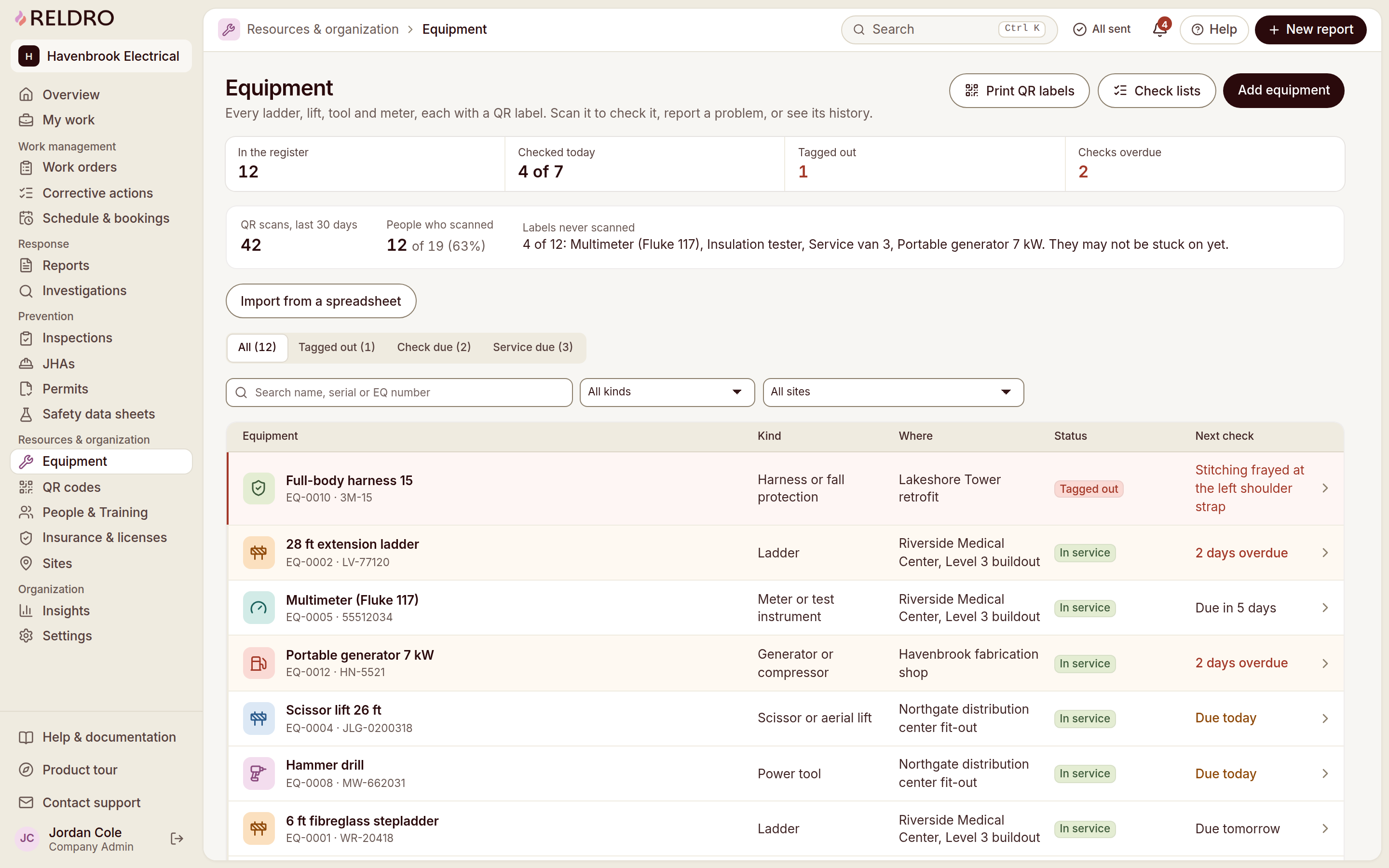
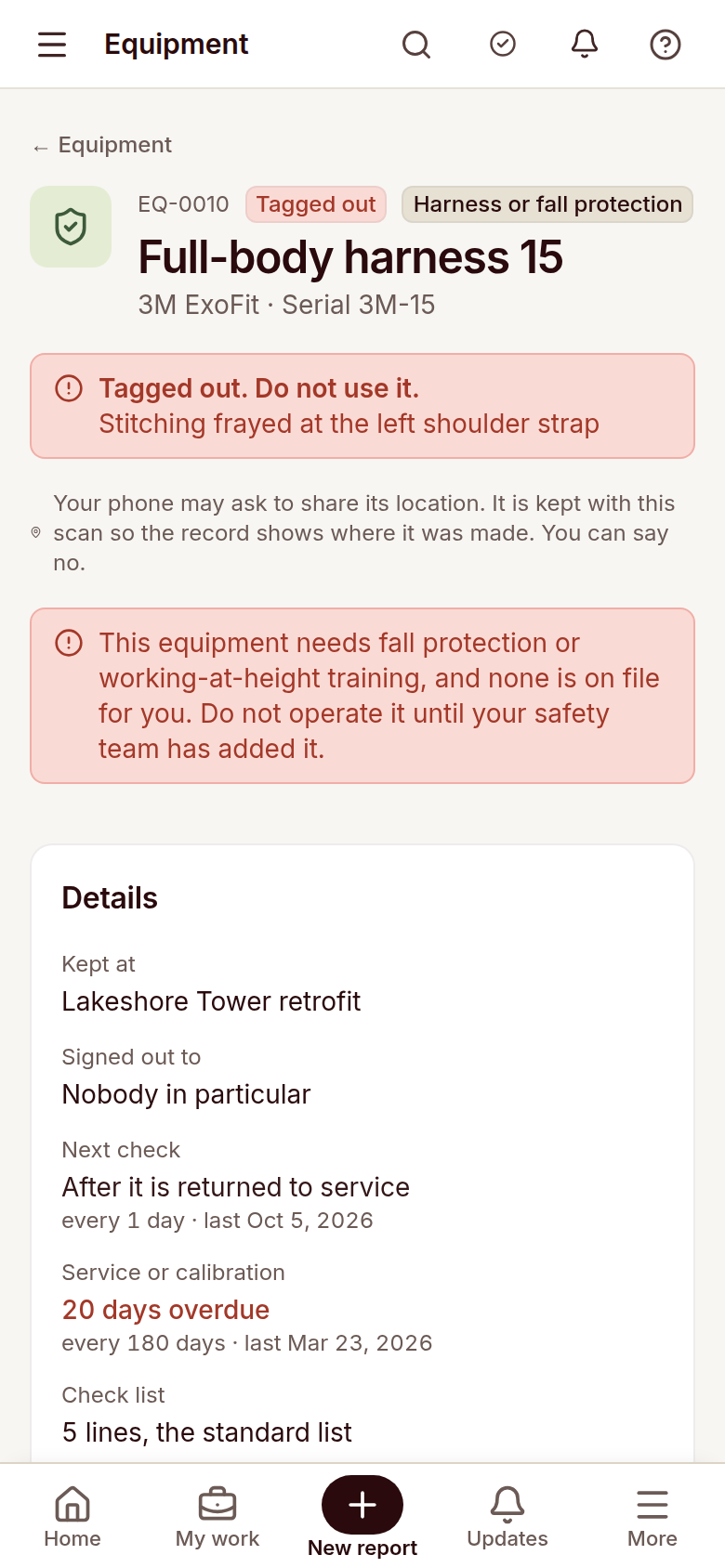
Keep your register, QR labels, pre-use checks and service dates in one place. A scan opens the item’s status before anyone uses it, and a failed check tags it out until someone records the return to service.
Job hazard analysis
Break the job into steps, name what could go wrong and the controls to use, then publish it to the crews who need it. Workers sign the current version on their phone, and a new wording means fresh signatures before work starts.
Site operations
See the week in your company time zone: scheduled jobs, recurring checks, permits and bookings for shared equipment, vehicles or work areas. Crews open the jobs due to them, and late or missed runs are flagged.