
Owners
See project progress and contractor follow-up together
Keep your project teams and contractors working from connected records, from inspection findings and company documents to assigned actions and completion evidence. Your field teams know who owns the next step, while you can review progress and outstanding follow-up across your portfolio.
14 days free. No credit card required.
What you coordinate
Keep portfolio visibility and project accountability connected
Portfolio context
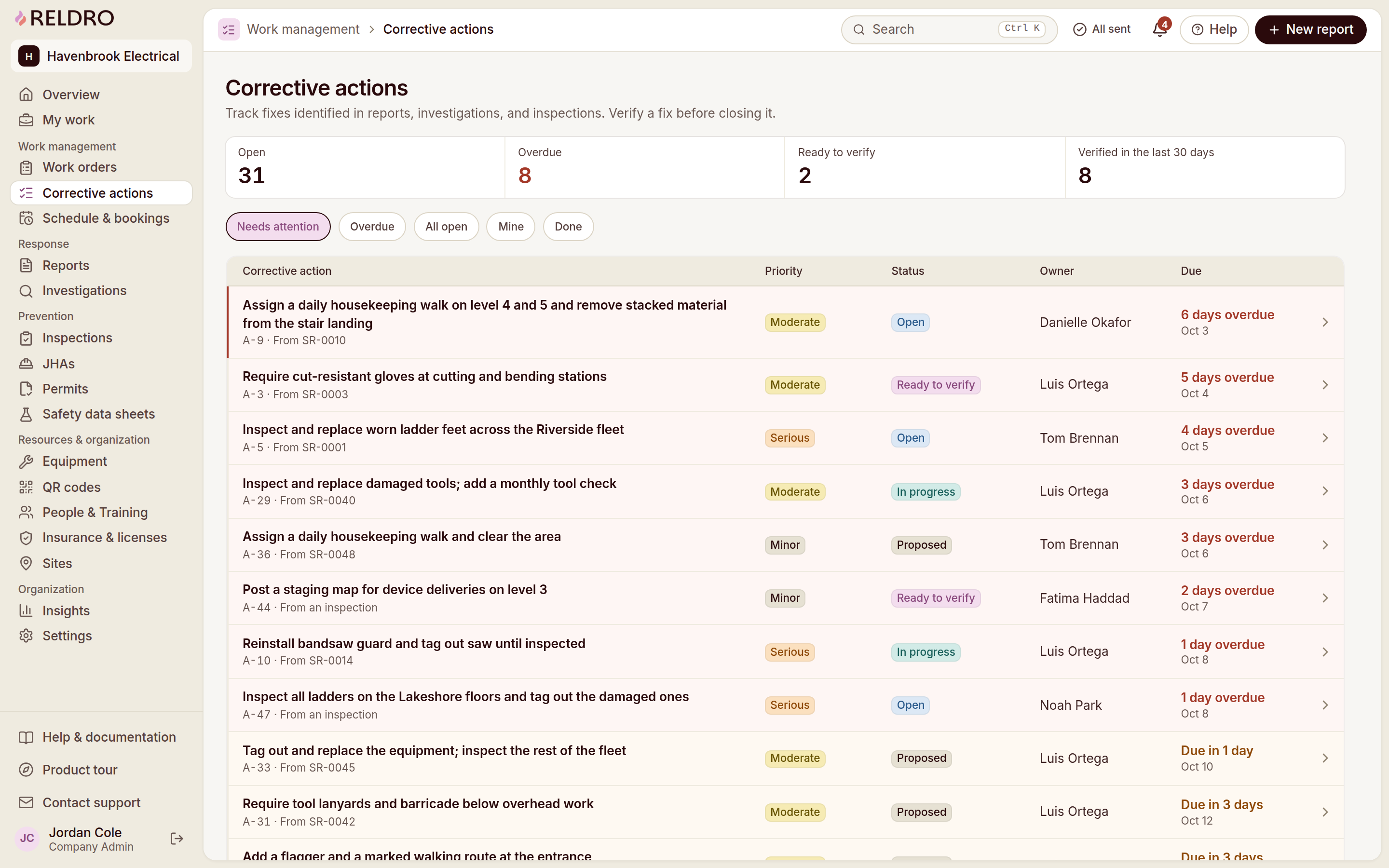
Review site activity, inspection completion and outstanding actions across your active projects. Open the supporting records to understand the site and work area behind an update.
Contractor follow-through
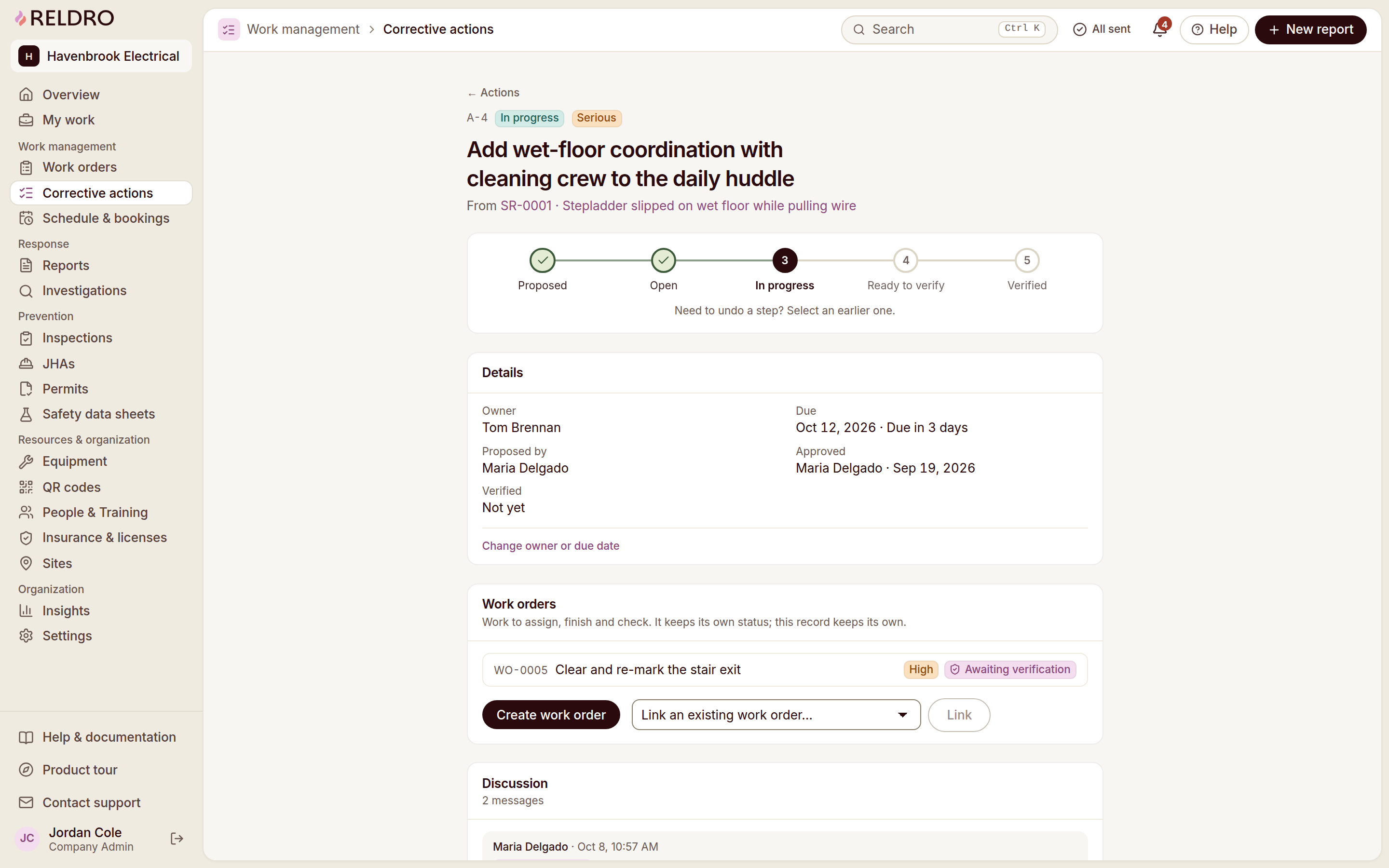
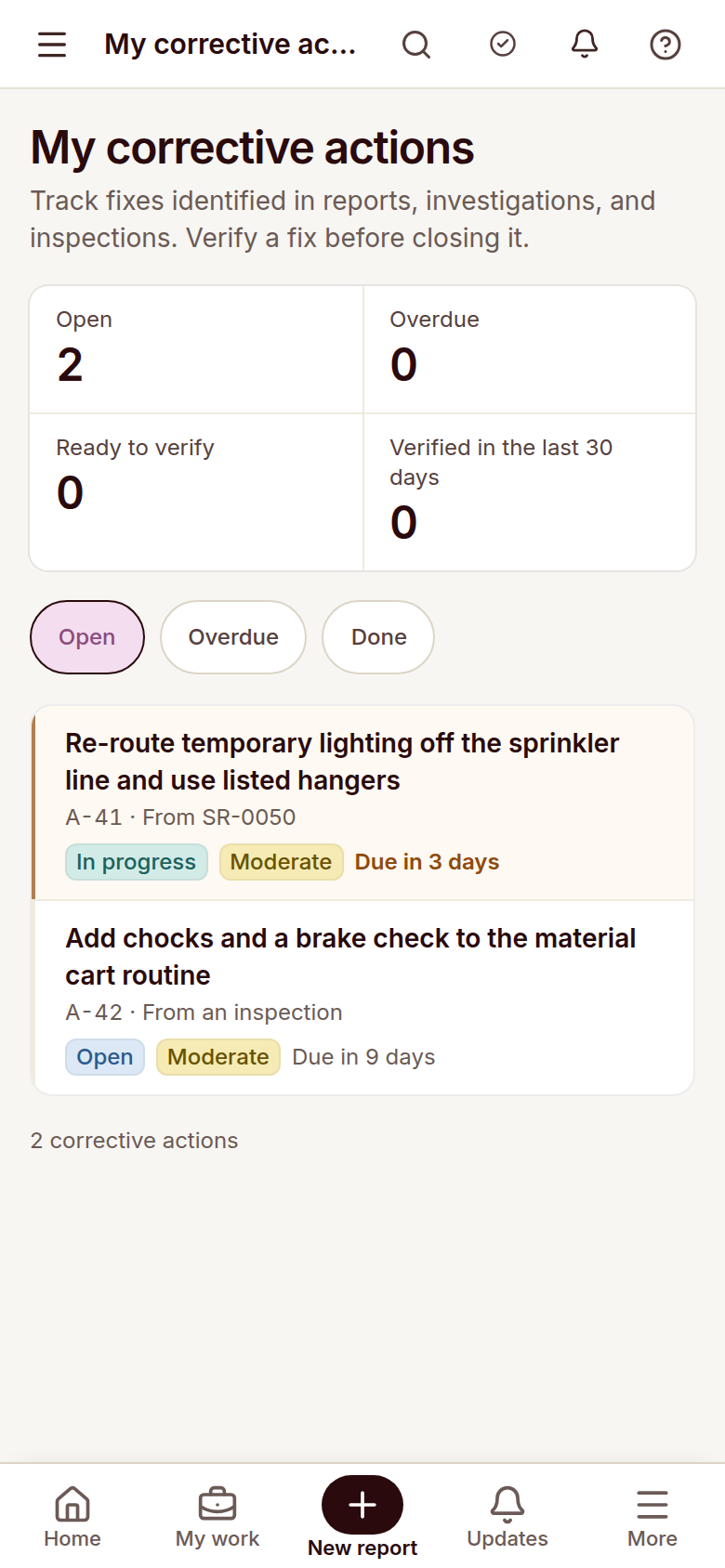
Check who owns each outstanding action, its due date and the progress recorded. Keep the original finding and completion evidence available when you ask for an update.
Evidence for project reviews
Keep inspection findings, investigation notes and reviewed fixes together so project reviews can refer to the recorded evidence rather than scattered messages.
Contractor records for review
Review insurance, licenses and method statements alongside contractor profiles. See which documents are missing or expiring and assign follow-up to the responsible team.
Field and project team alignment
Keep work assignments, plan locations and field updates connected so your project teams can discuss changes using the same job context.
Records through project closeout
Review outstanding actions and supporting documents as work finishes. Archived sites retain their records, so completed projects remain available for later reference.
How it works
Turn project updates into decisions and follow-through
- 1
Set the project context
Bring your active sites, project teams and contractor records together, with responsibilities agreed by the people managing the work.
- 2
Review the field picture
Check recorded site updates, inspection findings and outstanding actions with your project leads.
- 3
Confirm the next step
Review the responsible person and due date for follow-up, and ask for the supporting evidence when work is ready to verify.
- 4
Keep the review record
Keep findings, reviewed fixes and company documents with each project for future reviews and closeout discussions.

Relevant features
Relevant workflows for owners
Contractor management
Track insurance, licenses, and method statements for your company and contractors, with clear visibility into what’s current, expiring, or missing.
Insights
Compare response times, overdue actions, inspection completion and certifications across sites, then open the records behind any number. The measure tells you where to look, and people decide what it means.
Corrective actions / CAPA
Turn a report, an inspection finding or a failed equipment check into an action with an owner and a due date. Progress, photos and the final review stay on the record, so nothing closes on a verbal.
Incident investigations
Keep the facts, the sequence and the conditions in one review, with the evidence beside each finding. People set the findings and link the follow-up. A summary can be drafted for your review, never decided for you.
Insurance & licenses
One register holds your insurance, trade licenses and method statements against what each contractor you work for requires. You see current, expiring, expired and missing before the GC asks, not after.
Inspections
Run your trade’s checklist on the phone and record pass, fail or not applicable with notes and photos. A failed item can start the corrective action with its evidence and location already carried across.
Site operations
See the week in your company time zone: scheduled jobs, recurring checks, permits and bookings for shared equipment, vehicles or work areas. Teams open the jobs due to them, and late or missed runs are flagged.
Interactive site plans
View and mark up drawings on any device, track revisions, capture as-builts, and submit digital forms for reports, inspections, and RFIs.
Questions
Questions from owners
- How does Reldro support construction project owners?
- You can review site activity, contractor records, inspection findings and outstanding actions across your active projects. The underlying records give your project discussions context without replacing the people responsible for delivery.
- Can I review more than one project in one place?
- You can review activity, inspection completion and outstanding actions across active sites, then open individual records to see the details and supporting evidence.
- How can I tell who owns a follow-up?
- Assigned actions carry a responsible person and a due date, with status updates and completion evidence linked to the original finding. A reviewer checks the fix before the action closes.
- Can I review contractor insurance and licenses?
- You can review company profiles, requested documents and missing or expiring items. Documents can be collected through private company links or broker uploads for your team to review.
- Does Reldro replace our project or safety decisions?
- No. Your project teams, contractors and safety managers own their findings, reviews and decisions. Reldro keeps the work and records connected; it does not guarantee compliance or project outcomes.
- What happens to records when a project ends?
- You can archive a site when work ends. It stops counting as active, keeps its records and can be reopened. Your contract covers an agreed number of active sites.
14 days free. No credit card required.