
Field reports and issue tracking
Record field concerns and assign next steps.
Anyone on the crew can raise what they see from a phone, with the location, notes and photos attached. Your safety manager works the queue by seriousness and site, then puts the next step on a named person.
Request a demo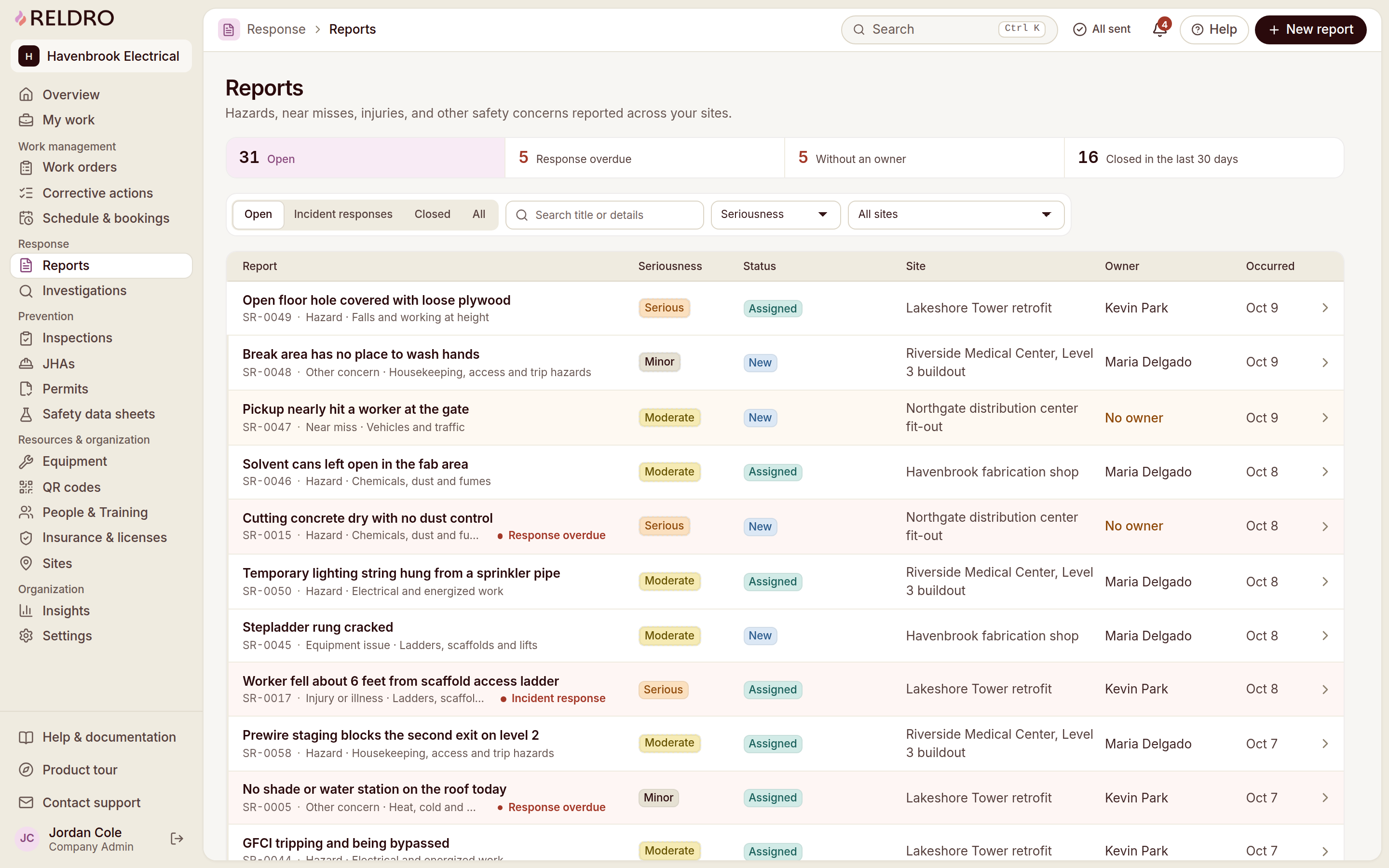

The workflow
Field reports and issue tracking, connected to your crews.
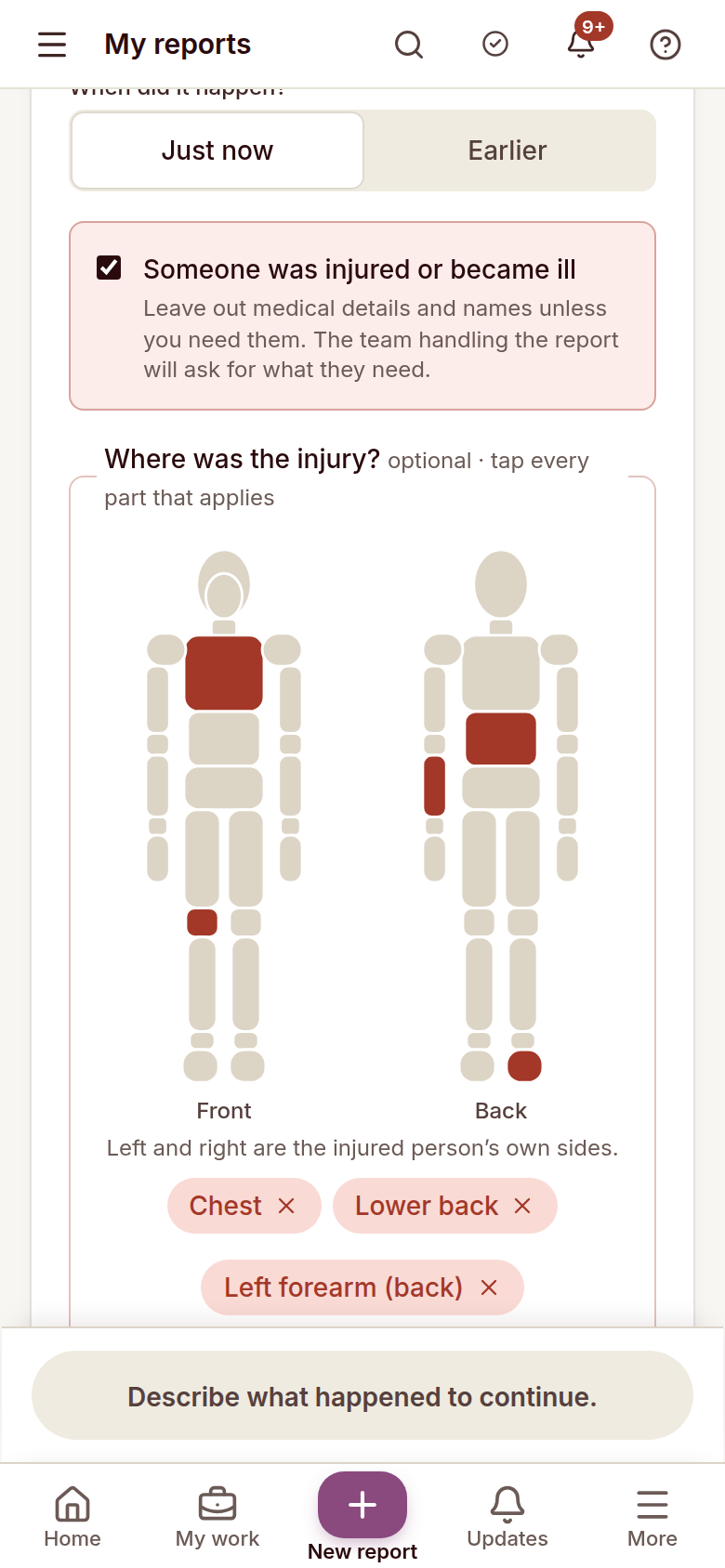
Record site concerns
Pick a concern type, describe it and set the site location.
Attach supporting photos
Photos stay attached, so the context is there when someone reviews it.
Choose identity sharing
Share your name with the supervisor and safety team, with the safety team only, or submit without one and reply through a private case code.
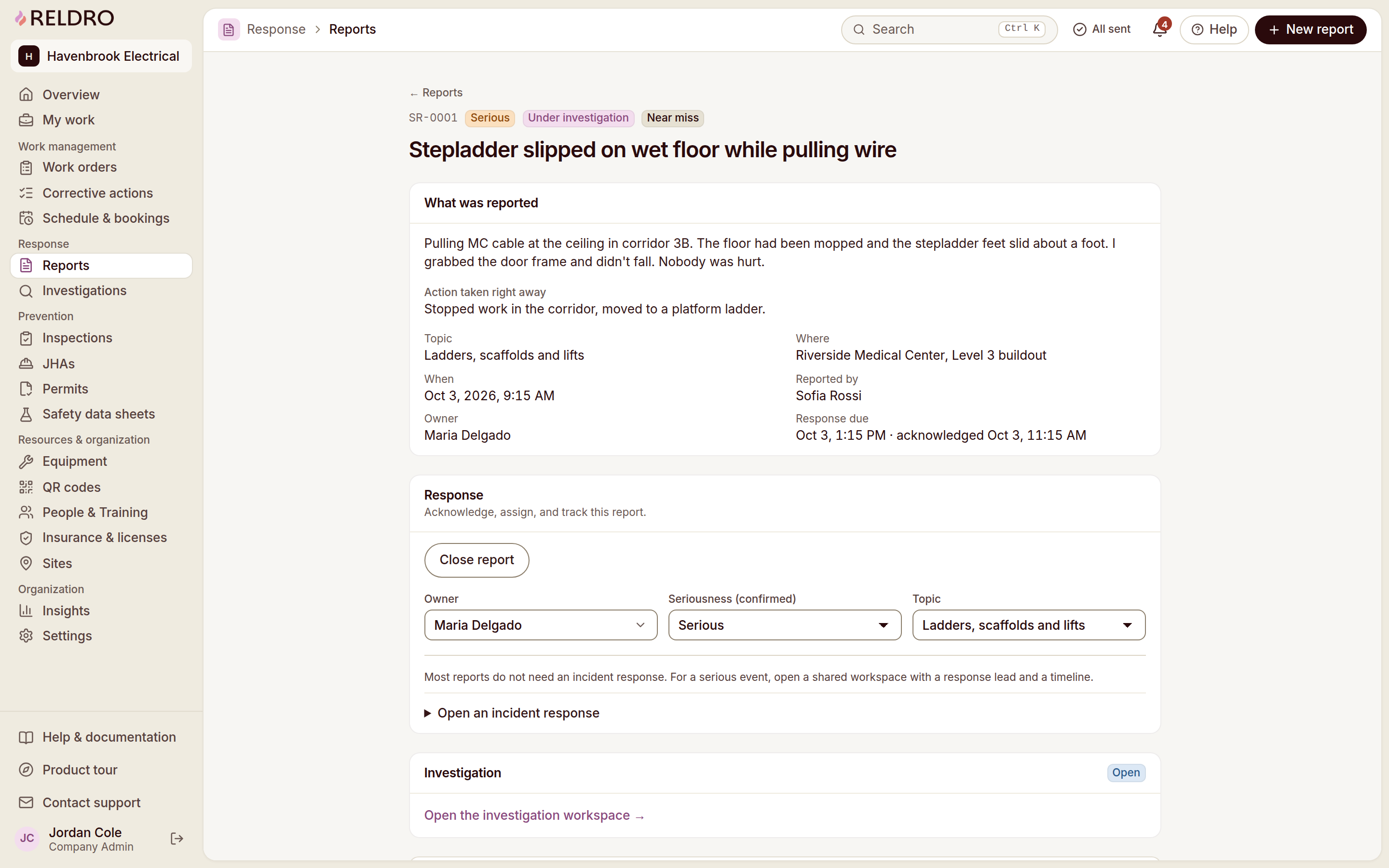
Assign next steps
Work the incoming queue and put the next step on a named person.
Report & Resolve
Keep the next step connected.
Incident investigations
Keep the facts, the sequence and the conditions in one review, with the evidence beside each finding. People set the findings and link the follow-up. A summary can be drafted for your review, never decided for you.
Corrective actions / CAPA
Turn a report, an inspection finding or a failed equipment check into an action with an owner and a due date. Progress, photos and the final review stay on the record, so nothing closes on a verbal.