
Site operations
Multi-site contractor dispatch: plan the move, keep the handover
A practical dispatch worksheet for specialty contractors balancing people, site readiness and unfinished work across several active jobsites.
By Reldro · · 4 min read
Start with work that is ready, not just a free team
Multi-site contractor dispatch means matching available people to work at different jobsites, while keeping the conditions and handovers for each assignment clear. A free slot on the calendar doesn't mean the next task is ready to start.
Before moving a team, check three things: what the receiving site can actually support, what the people are prepared and authorized to do, and what responsibility remains at the site they are leaving. This is an operational planning method, not a staffing formula or a substitute for task-specific qualifications.
Buildertrend's specialty-contractor scheduling article discusses assignment visibility and avoiding double bookings. BuildOps' dispatch resource describes matching field teams to jobs. The worksheet here concentrates on a different question: what needs to travel with the assignment when a plan changes?
Use one readiness row for each assignment
A short planning board can work if its entries are specific. Give each assignment a row with the following information. An unanswered readiness question should stay visible, not become an assumed 'yes'.
- Site, work area, task and expected working window.
- Named supervisor, assigned people and task-specific qualification or training checks owned by the appropriate reviewer.
- Access confirmation, materials readiness and shared equipment availability.
- Current drawing or instruction reference and the person answering scope questions.
- Dependencies on another trade, approvals or site arrangements.
- Any unresolved concern, its owner and the decision needed before the assignment proceeds.
- Confirmation from the receiving supervisor and the next check-in point.
A morning review with a clear stopping point
Review changes first: access lost, delivery moved, equipment unavailable or a task newly released. Then look at assignments affected by those changes. There is no need to read every unchanged calendar entry aloud.
For each proposed move, name who can authorize it and who confirms readiness at the receiving site. Consider travel and working-time constraints under the rules that apply to your team; don't assume an empty afternoon is fully available for productive work.
End the review with decisions, not just discussion. Record the assignment that changed, the person notifying each supervisor and any condition that still prevents the move. If readiness hasn't been confirmed, keep the assignment provisional rather than showing it as settled.
Example: choose between two possible return visits
In this hypothetical example, an electrical team becomes available because Site A has postponed access. Site B has confirmed access but needs a shared lift whose booking is unresolved. Site C has a smaller finishing assignment, confirmed access and the required materials.
The operations lead doesn't send the team to B solely because it is the larger task. They ask the equipment owner to resolve the booking, check the relevant qualifications and site requirements, and keep the assignment provisional. If B cannot be confirmed, C may be the practical option, subject to the responsible supervisors' review.
Before the team leaves A, the supervisor records unfinished work and the person arranging the next visit. Otherwise, a sensible move today can leave an unexplained gap in tomorrow's plan.
Carry the site context with the schedule change
OSHA's recommended safety-program practices discuss communication and coordination among employers, contractors and staffing agencies. They support sharing relevant site information, but they aren't a mandatory dispatch worksheet or proof that an assignment is safe.
Treat dispatch, site presence and payroll as different records. Someone scheduled to attend may not have arrived, and a check-in doesn't establish hours worked or authorization for every task.
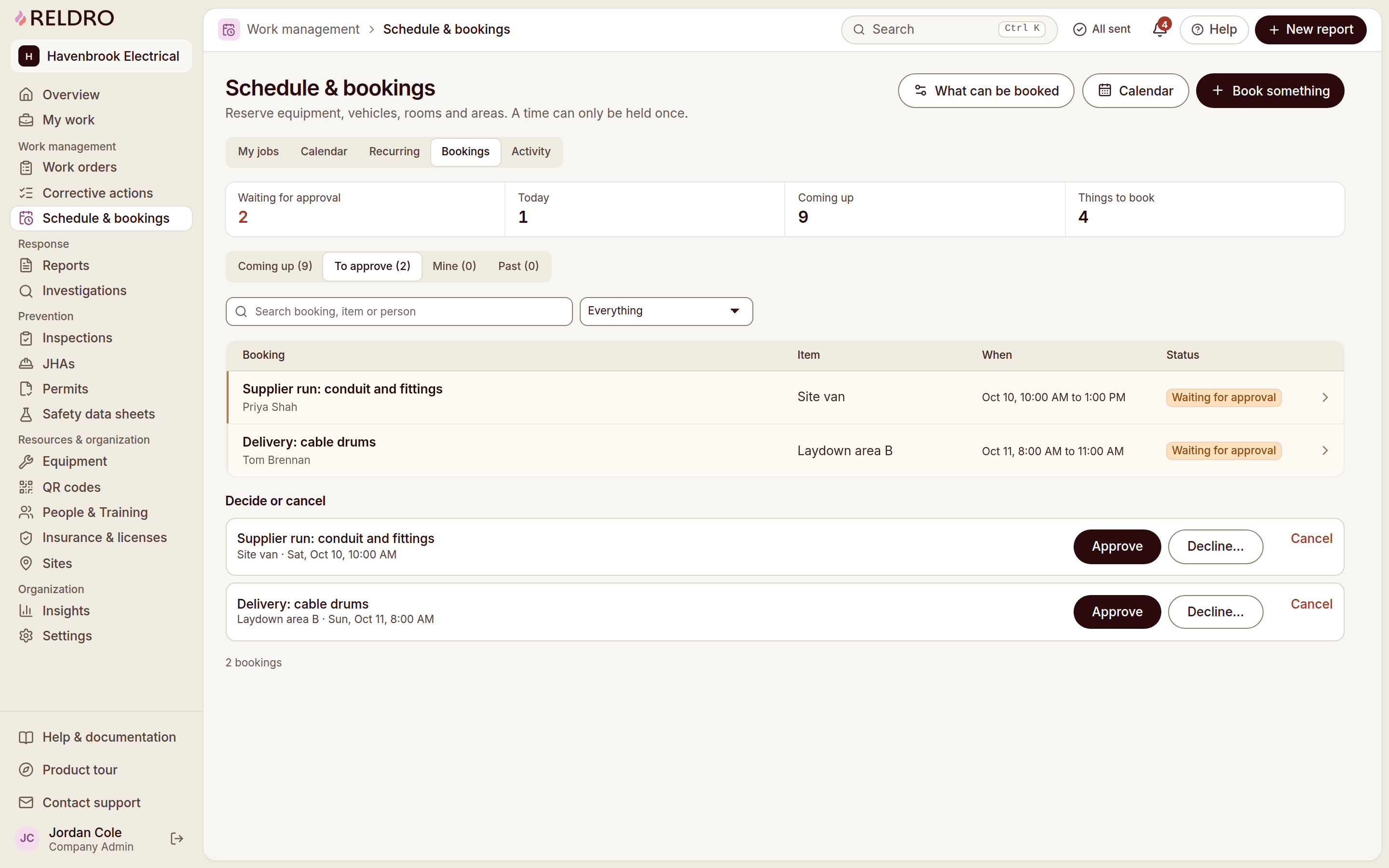
Reldro's site operations calendar separates scheduled jobs, bookings and permits. Site check-in shows arrivals, and Connect supports project messages. Use the schedule to plan, the site record to see who arrived and the conversation to resolve changes, while keeping approvals with the people responsible.
The takeaway
Dispatch a team to confirmed, appropriate work, not merely an open calendar slot. Record what changes, who confirms readiness and who owns the work left behind.
Sources and further reading
- Buildertrend: specialty-contractor scheduling tips
- BuildOps: contractor dispatch management
- OSHA: recommended communication and coordination practices
References for this article, published November 8, 2026. Product scope and requirements can change. Confirm details with the provider and your safety team. Guidance from a specific jurisdiction may not apply to your construction project.