
Site operations
Construction daily report template: record the day, not just the tasks
A practical daily report template for specialty contractors, with a worked example, clear delay notes and a separate record for each jobsite.
By Reldro · · 4 min read
What should a construction daily report include?
A construction daily report records what happened at one jobsite on a particular day: who was there, what work progressed, what changed, and what needs a response. It isn't just a task list. Tomorrow's supervisor should be able to read it and understand where today's team left off.
For a specialty contractor working across several sites, the useful detail is often the difference between planned work and actual work. A plumbing team might complete one area but leave another untouched because access wasn't available. Recording both gives the office something specific to follow up on.
The template below is an operational starting point, not a prescribed legal form. Check your contract and project reporting instructions for any required fields, recipients or submission times.
Copy these fields into your daily report
Keep the same core fields across your company, then add project-specific details where they help. Don't make people fill in a paragraph when a short, precise entry will do.
- Report identity: project, exact work area, date, author and time submitted.
- People and attendance: team or trade, headcount and relevant working periods. Keep payroll detail in its appropriate record rather than assuming headcount establishes hours worked.
- Planned work: today's intended task and location, with the assignment or drawing reference where relevant.
- Completed work: what was actually finished, where it was finished and any useful measured quantity. Include the unit and basis of measurement.
- Equipment and deliveries: what arrived, what was used and anything unavailable that affected the plan.
- Changes and blockers: the observed condition, when it affected work, who was notified and the current response.
- Supporting records: dated photos with location descriptions, linked work orders and separately handled safety concerns.
- Next handover: unfinished work, the next owner and any decision needed before the next visit.
A filled example for a plumbing contractor
This is an illustrative example, not a customer record. A plumbing supervisor is reporting on work in the east wing of a commercial fit-out. The entry reads:
East wing, level 2. Four team members on site, 07:00 to 15:30. Planned: install pipe supports in rooms 201 to 206. Completed: supports installed in rooms 201 to 204, referenced to drawing P-202 revision C. Rooms 205 and 206 were not accessed because the work area remained occupied by another trade. Access issue raised with the site manager at 11:10; confirmation for tomorrow is still pending.
Next step: operations coordinator to confirm access before assigning the return visit. Supervisor to attach the room-location photos and link the remaining work to its assignment.
Notice what the example doesn't do. It doesn't estimate lost money, assign fault or say every installation has been accepted. Those questions need their own evidence and review.
Write delay notes as observations, not conclusions
A note such as 'other trades delayed us' leaves the next person guessing. Name the affected location, the work that couldn't proceed, the observed reason and the time the issue was raised. If the duration isn't known, say that rather than inserting an estimate as a fact.
For weather, describe the effect on the specific task rather than recording a forecast as proof of a delay. If a delivery didn't arrive, distinguish the supplier's expected time from the time your team actually received it. Keep later corrections identifiable instead of silently replacing the original entry.
Keep each site separate, then review the exceptions
Use one report per site and reporting date. A company summary can bring the exceptions together, but it shouldn't erase the location, author or source record. This matters when two sites have similar room names or when the same team visits more than one project.
Before the day ends, check whether unfinished items have a next owner. A report can describe a blocker without assigning anyone to resolve it. That is where the record needs to connect to the next day's work, not become another document nobody acts on.
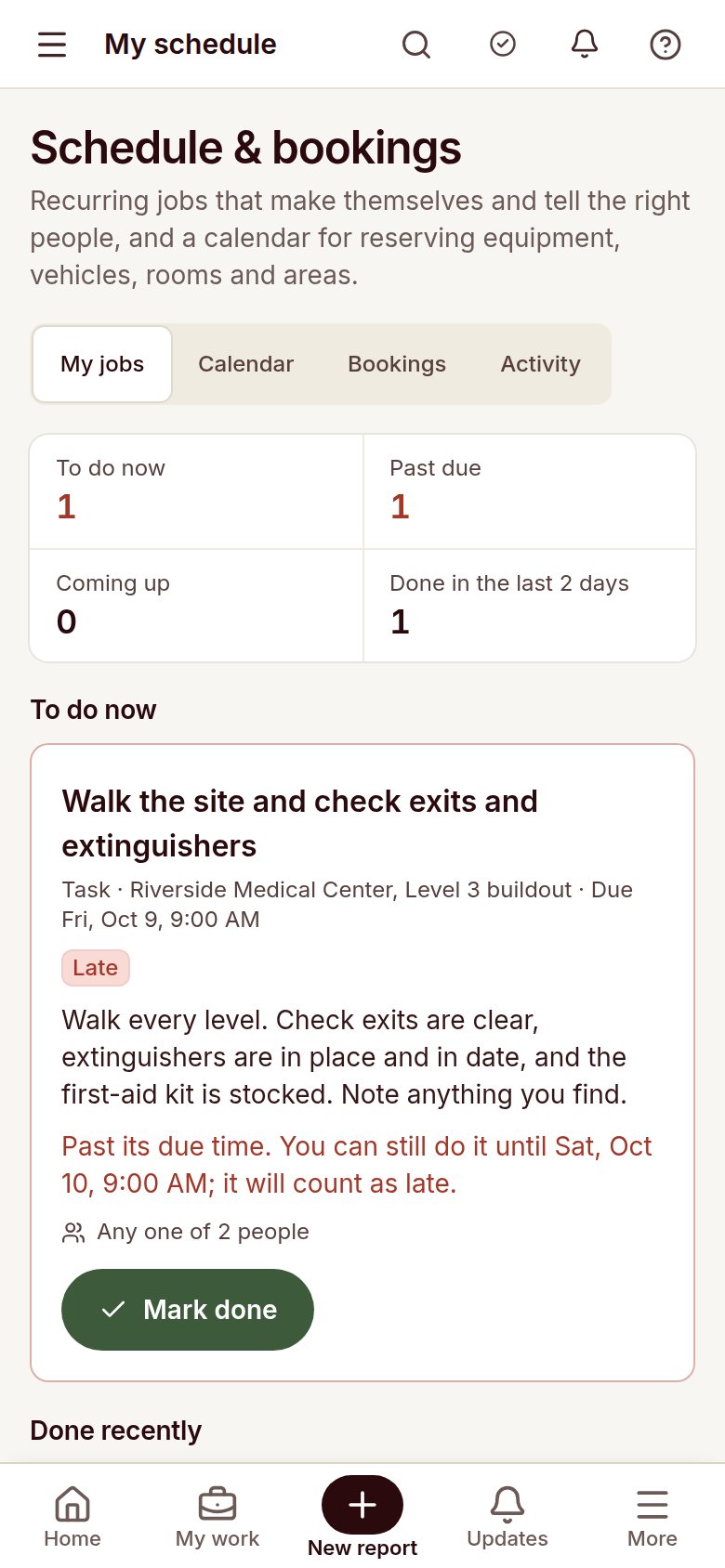
Reldro's site operations view brings scheduled jobs, bookings and permits together, while field reports retain notes and photos. Use those connected records to support your daily review, and confirm your project's reporting format separately. This guide doesn't claim a dedicated daily-report export or automatic payroll calculation.
The takeaway
Record the planned work, the actual result and the next decision for each site. Specific observations and a named follow-up owner are more useful than a long list of activities.
Sources and further reading
- Fieldwire: construction daily report guide
- Raken: documented daily reporting workflow
- Mitti: general construction daily report template
References for this article, published November 8, 2026. Product scope and requirements can change. Confirm details with the provider and your safety team. Guidance from a specific jurisdiction may not apply to your construction project.