
Connected teams
Offline safety reporting: saved is not the same as received on construction sites
For subcontractors and safety managers: an offline report can be saved on a device without reaching the safety team. The essential check is delivery status: distinguish a locally saved concern from one that has synced after a connection returns.
By Reldro · · 2 min read
The practical starting point
For your subcontractor crews, use this guidance with the current work phase, trade responsibilities and approved procedures in view. Keep your safety manager involved in record reviews and follow-up. This guidance supports record keeping and coordination, not technical authorization to carry out the work.
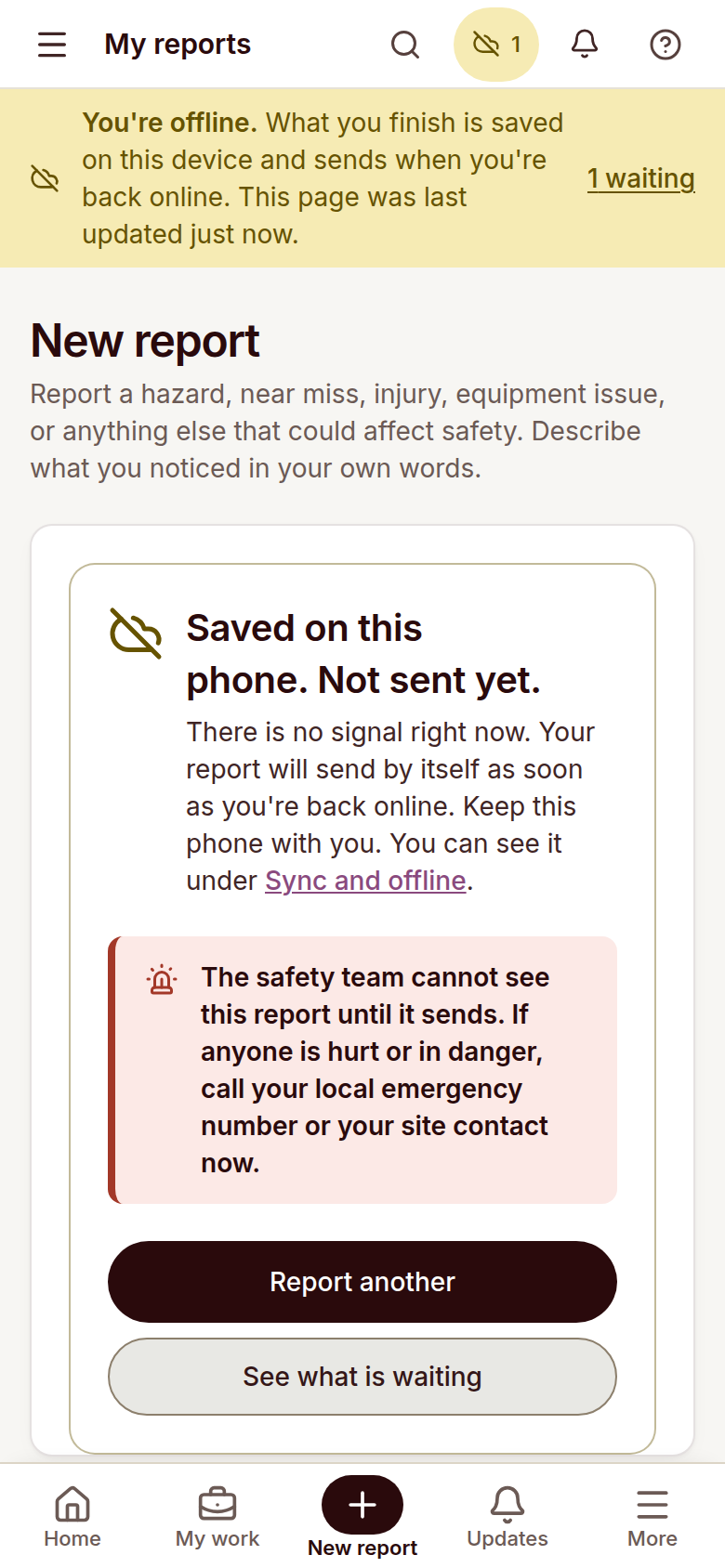
An offline report can be saved on a device without reaching the safety team. The essential check is delivery status: distinguish a locally saved concern from one that has synced after a connection returns.
Know the reporting boundary
Remote areas, basements and structural obstructions can interrupt connectivity. A worker needs a clear indication of what is pending, and the team needs a separate communication procedure for urgent concerns. Do not wait for a queued report to sync when the situation requires immediate action under your site procedure.
Check before leaving the area
- Read the offline or pending-delivery status.
- Keep the device and saved report available.
- Use the site’s agreed communication channel for urgent concerns.
- Confirm delivery after connectivity returns.
Example: a report saved in a basement
A worker records a hazard in a low-signal area and sees that the report is saved on the phone. That status does not mean a supervisor has seen it. After moving to a connected area, the worker checks the pending report and confirms that it has synced instead of assuming the earlier save completed delivery.
Test the workflow before rollout
Use this checklist with the people responsible for the work. Adapt the review to your site procedures rather than treating a generic list as authorization to proceed.
- Try reporting with an interrupted connection.
- Check what can be saved locally.
- Find pending work in the sync and offline view.
- Verify that the safety team can see the report after sync.
The takeaway
Offline saving preserves a record. Confirm receipt and use the approved immediate communication procedure when a concern cannot wait.